806834 v1.02 07.21 G5 Online install instructions and user guide
82
USER GUIDE
SAFETY
INSTALLATION
TROUBLE
SHOOTING
COMMISSION
USER GUIDE
TAP SAFETY
LCD SCREEN
CONTACT
INSTALLATION
GUIDE
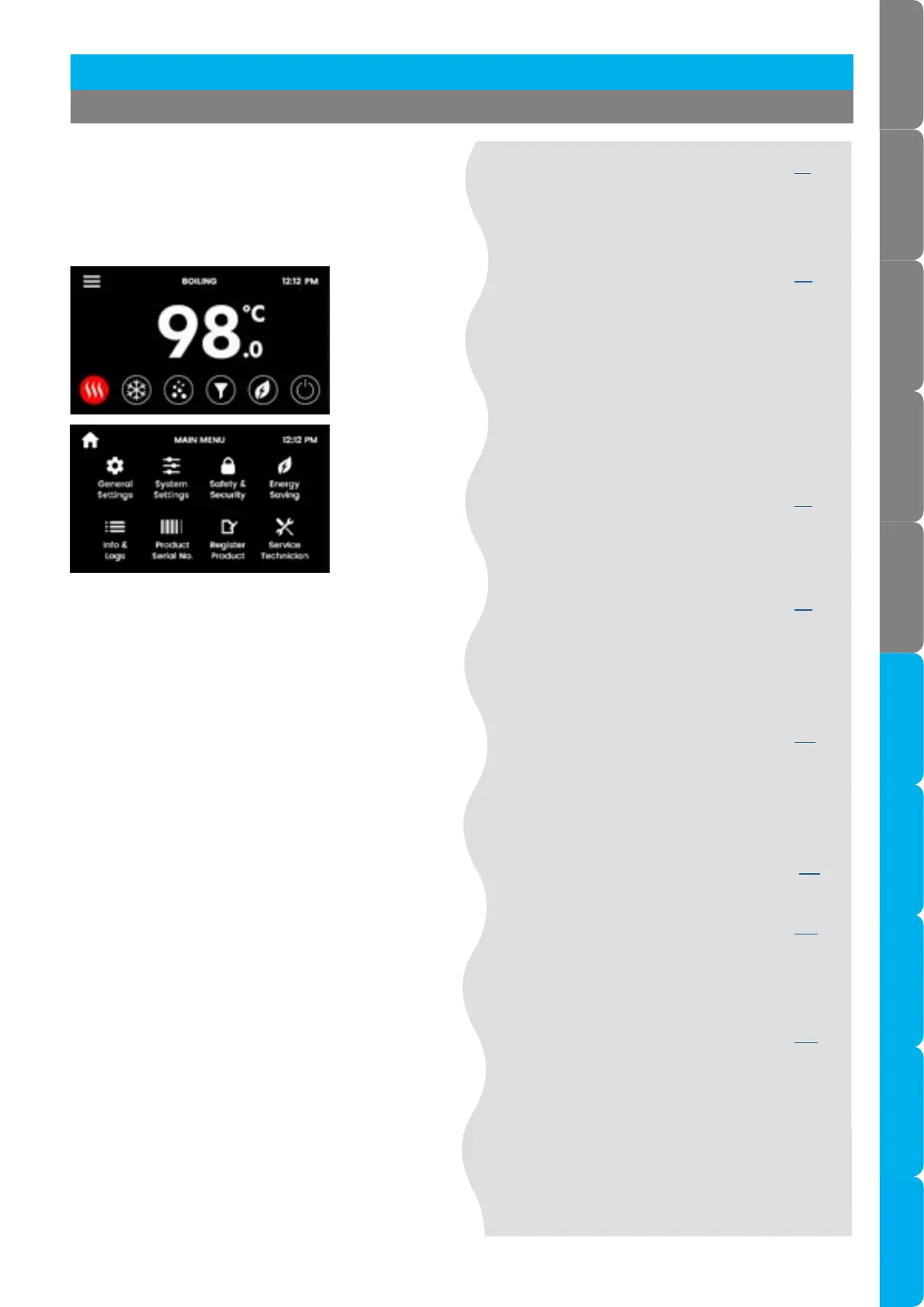
3.5 Main menu
Use the Main menu to configure your HydroTap and
access features and settings. Touch each icon to
access further options.
3.6 General settings see page 83
Language.
Date & time.
Network.
3.7 System settings see page 84
Filter.
Temperature.
CO.
Dispense time.
Light sensor.
Quiet mode.
Advanced settings.
System reset.
3.8 Safety & security see page 96
Boiling safety.
Password protect.
3.9 Energy saving see page 98
Sleep mode.
ON OFF timer.
Energy Use.
3.10 Info & logs see page 101
Filter logs.
System faults.
About system.
3.11 Product serial number see page 101
3.12 Register product see page 102
QR code to sign up for
HydroCare.
3.13 Service Technician see page 102
For certified technician to use
only (password required).
[ ]
Section 3 Command Centre Screen



 To Next Page