806834 v1.02 07.21 G5 Online install instructions and user guide
94
USER GUIDE
SAFETY
INSTALLATION
TROUBLE
SHOOTING
COMMISSION
USER GUIDE
TAP SAFETY
LCD SCREEN
CONTACT
INSTALLATION
GUIDE
3.7.7 Advanced settings
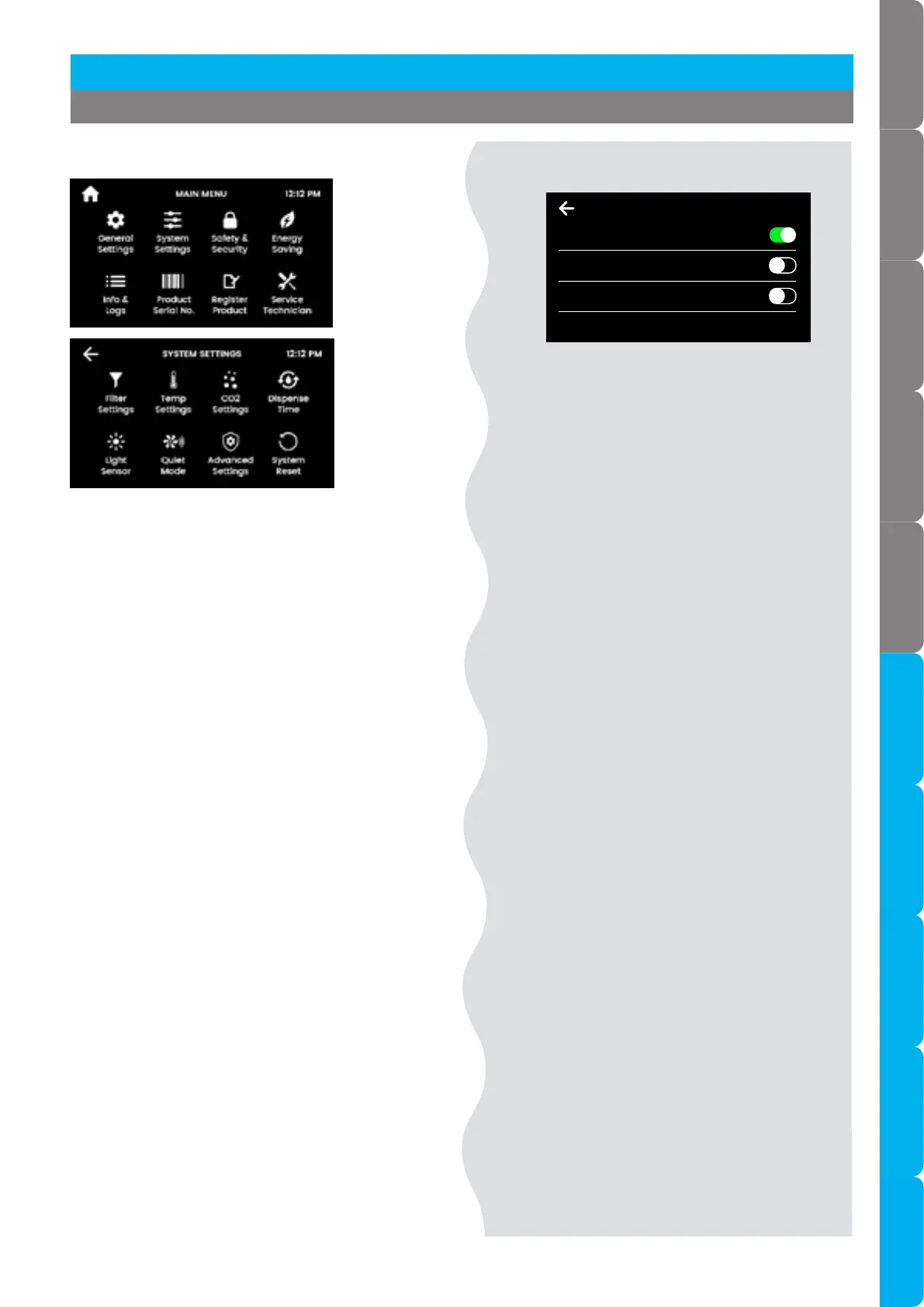
Advanced settings 1
Periodic pulse reduced cavitation mode
• Sends 2 electric pulses every 5 minutes to the
pump.
• This prevents the build up of air bubbles inside the
pump to ensure an even flow of hot water at the
tap.
12:12 PMADVANCED SETTINGS 1
Periodic Pulse Reduced Cavitation Mode
Hot setpoint must be < 98°C to disable
Pre-Pulse Reduced Cavitation Mode
Adds slight delay to boiling dispense
Power Pulsing Mode
Hot setpoint must be < 98.5°C to disable
Pre- pulse reduced cavitation mode
• Pulses immediately before boiling dispense to
prevents the build up of air bubbles inside the
pump to ensure an even flow of hot water at the
tap.
• There will be a 150 millisecond delay before water
is dispensed.
Power pulsing mode
• Applies a closer tolerance to the set temperature,
to ensure hot water is maintained as closely as
possible to the set point.
• In rare occurrences, enabling this feature may
cause the tap lights to flicker during the boiling
water recovery period.
[ ]
[ ]
Section 3 Command Centre Screen
Advanced settings 1



 To Next Page