806834 v1.02 07.21 G5 Online install instructions and user guide
84
USER GUIDE
SAFETY
INSTALLATION
TROUBLE
SHOOTING
COMMISSION
USER GUIDE
TAP SAFETY
LCD SCREEN
CONTACT
INSTALLATION
GUIDE
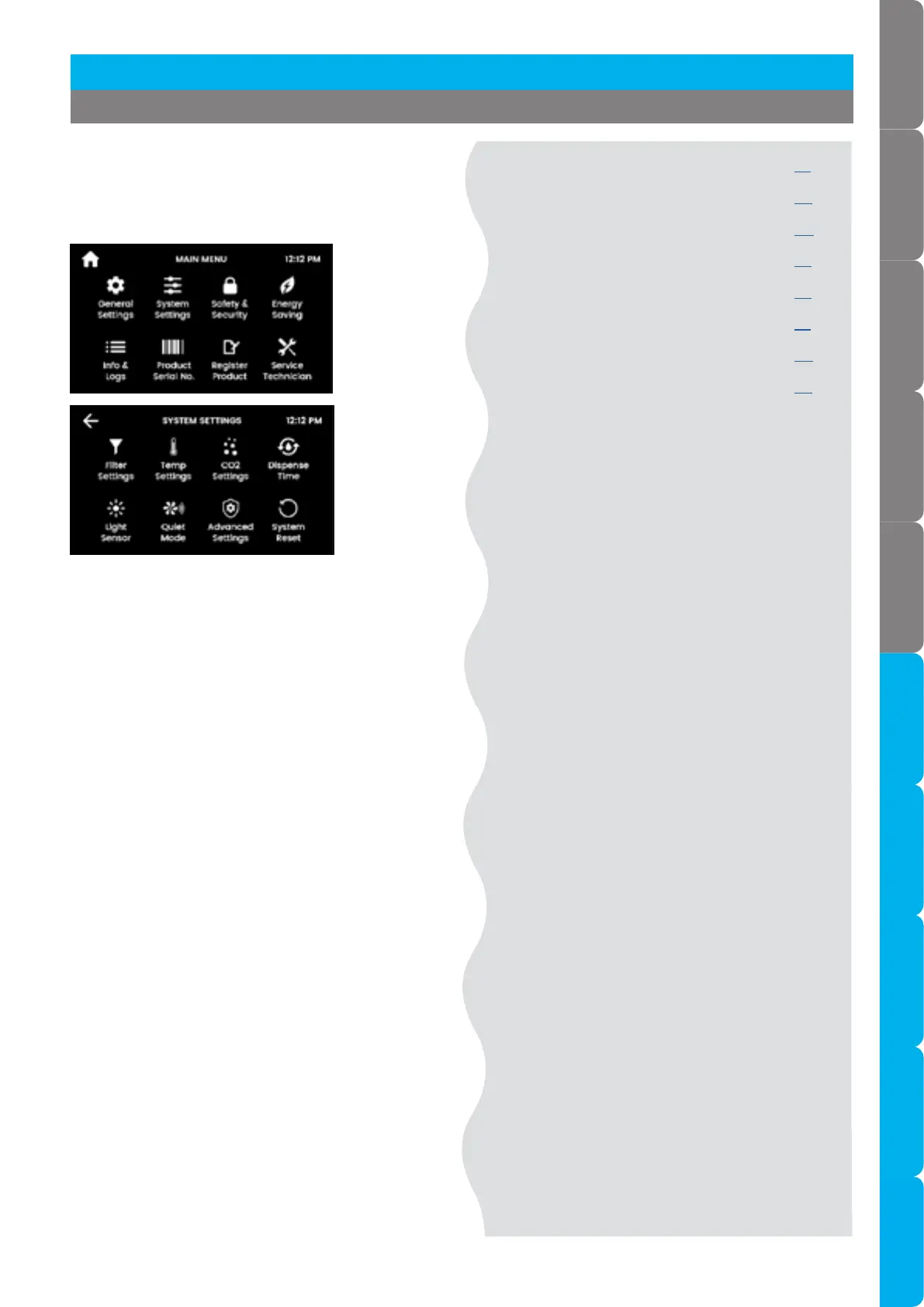
3.7 System settings menu
3.7.1 Filter & flush See page 85
3.7.2 Temperature See page 88
3.7.3 CO See page 90
3.7.4 Dispense time See page 92
3.7.5 Light sensor See page 92
3.7.6 Quiet mode See page 93
3.7.7 Advanced See page 94
3.7.8 System reset See page 96
[ ]
Configure your HydroTap to suit your needs.
Navigate to system settings screen for all system
settings.
Section 3 Command Centre Screen



 To Next Page