806834 v1.02 07.21 G5 Online install instructions and user guide
95
USER GUIDE
SAFETY
INSTALLATION
TROUBLE
SHOOTING
COMMISSION
USER GUIDE
TAP SAFETY
LCD SCREEN
CONTACT
INSTALLATION
GUIDE
3.7.7 Advanced settings continued
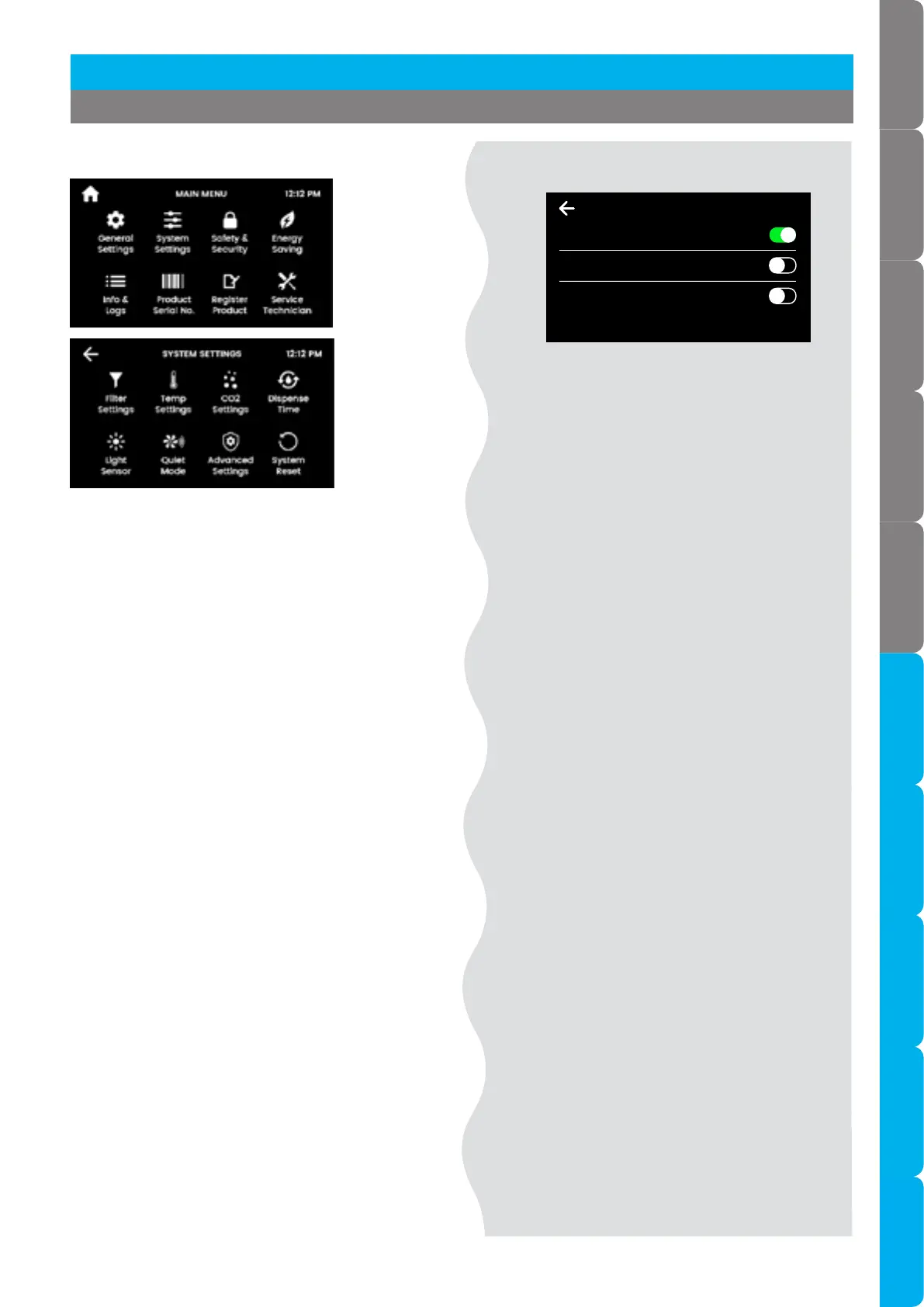
Advanced settings 2 (Wave Tap only)
[ ]
[ ]
Section 3 Command Centre Screen
12:12 PMADVANCED SETTINGS 2
Wave Tap Sensor Demister Mode
Allows Control of Heating of Wave Tap
Wave Tap Lock Mode
Dual Sensors Required for Chilled/Sparkling
Lorem ipsum
Advanced settings 2 (Wave Tap only)
Wave Tap Sensor Demister Mode
• Enabled (default): activates the Wave Tap
internal heater to prevent its sensors from
being affected by condensation from steam.
• Disabled: choose this option to conserve a
small amount of power.
Wave Tap Lock Mode
• Disabled (default): Chilled or sparkling
water can be dispensed by activating the
corresponding sensor.
• Enabled: in addition to the chilled or sparkling
sensor, the rear sensor must also be activated
in order to dispense chilled or sparkling water.
This is useful to prevent false activation if a
highly reflective surface is present (such as
high-visibility reflective tape).
• Note Bottle fill is disabled.



 To Next Page