12
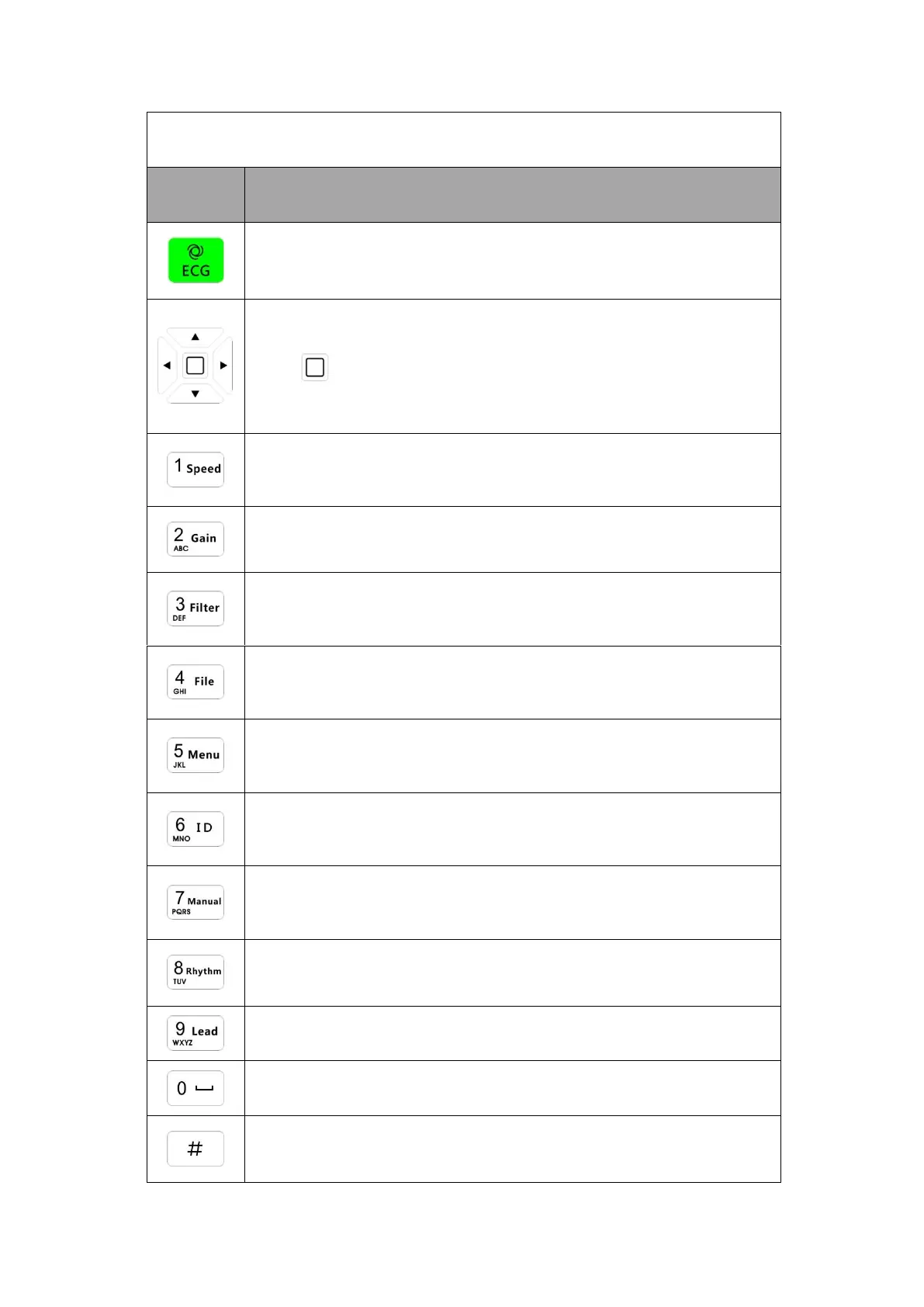
Identification of Function Keys
When perform settings, us e direction key to select among the items,
Press” ”key for selection confirmation,for details please see chapter
4.1.
Character input key, shortcut function: Adjusting paper speed in main
menu.
Character input key, shortcut function: Adjusting gain in main menu.
Character input key, shortcut function: Adjusting filter parameter in main
menu.
Character input key, shortcut function: Entering into File Management
interface.
Character input key, shortcut function: Entering into Application
interface.
Character input key, shortcut function: Entering into Patient Info
interface.
Character input key, shortcut function: Recording ECG waveforms in
Manual/Auto mode.
Character input key, shortcut function: Rhythm data analysis.
Character input key, shortcut function: Changing Leads in manual mode.
Character input key, shortcut function: None.
Input key, changing input methods.



 To Next Page