37
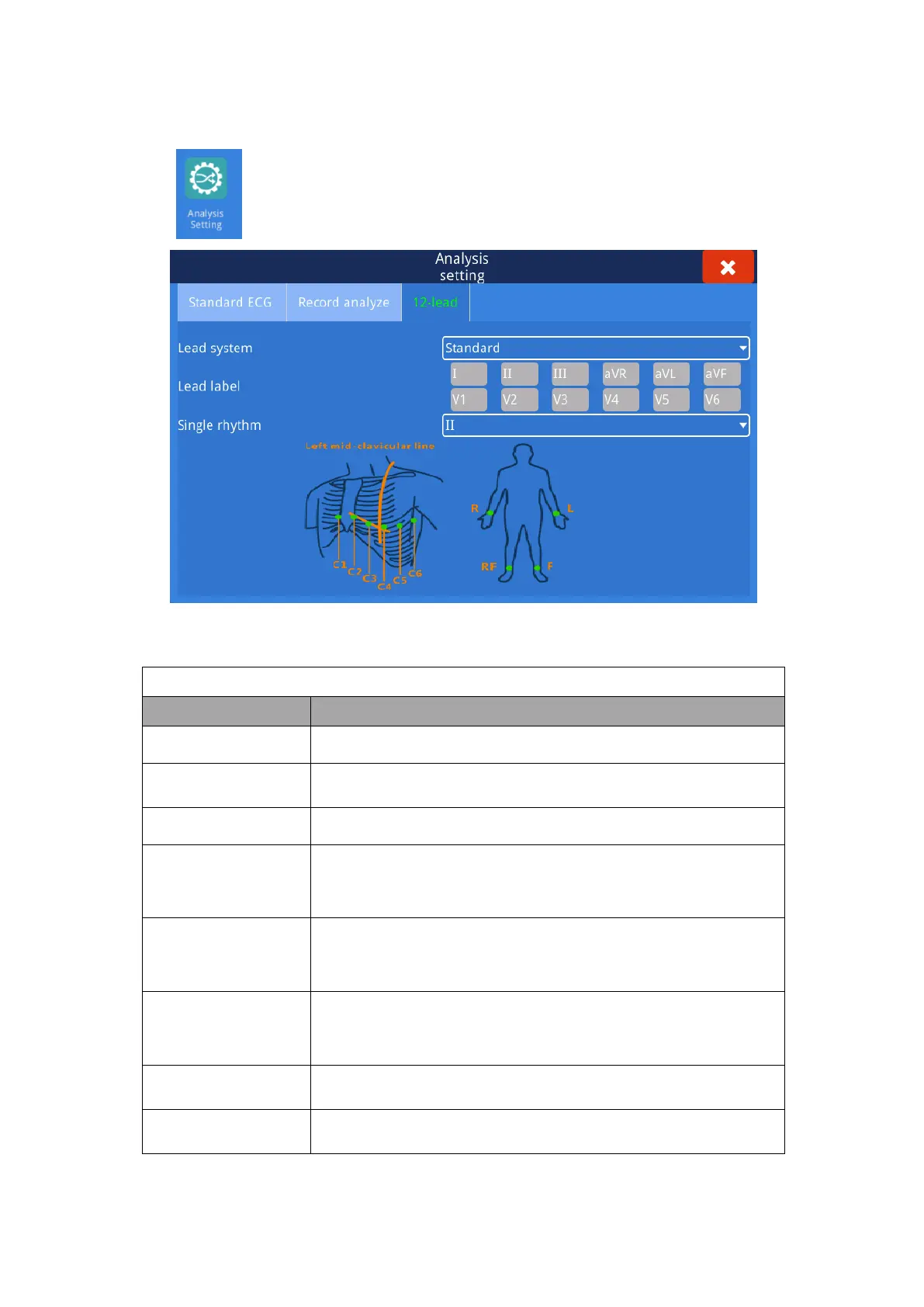
4.2.3 Analysis Setting-12 lead
Select “ ” option and then select 12 lead, click and enter into setting interface.
Fig. 4.3 12 lead interface
Ⅰ, Ⅱ, Ⅲ, aVR, aVL, aVF, V1, V2, V3, V4, V5, V6
Ⅰ, Ⅱ, Ⅲ, aVR, aVL, aVF, V1, V2, V3, V7, V8, V9
Ⅰ, Ⅱ, Ⅲ, aVR, aVL, aVF, V1, V2, V3, V3R, V4R, V5R
Right Chest
Posterior Wall
Ⅰ, Ⅱ, Ⅲ, aVR, aVL, aVF, V3R, V4R, V5R, V7, V8, V9
Previous Intercostal
Space
Ⅰ, Ⅱ, Ⅲ, aVR, aVL, aVF, V`1, V`2, V`3, V`4, V`5, V`6
Ⅰ, Ⅱ, Ⅲ, aVR, aVL, aVF, V.1, V.2, V.3, V.4, V.5, V.6
aVL, Ⅰ, -aVR, Ⅱ, aVF, Ⅲ, V1, V2, V3, V4, V5, V6
Ⅰ, Ⅱ, Ⅲ, aVR, aVL, aVF, V1, V2, V3, V4, V5, V6



 To Next Page