38
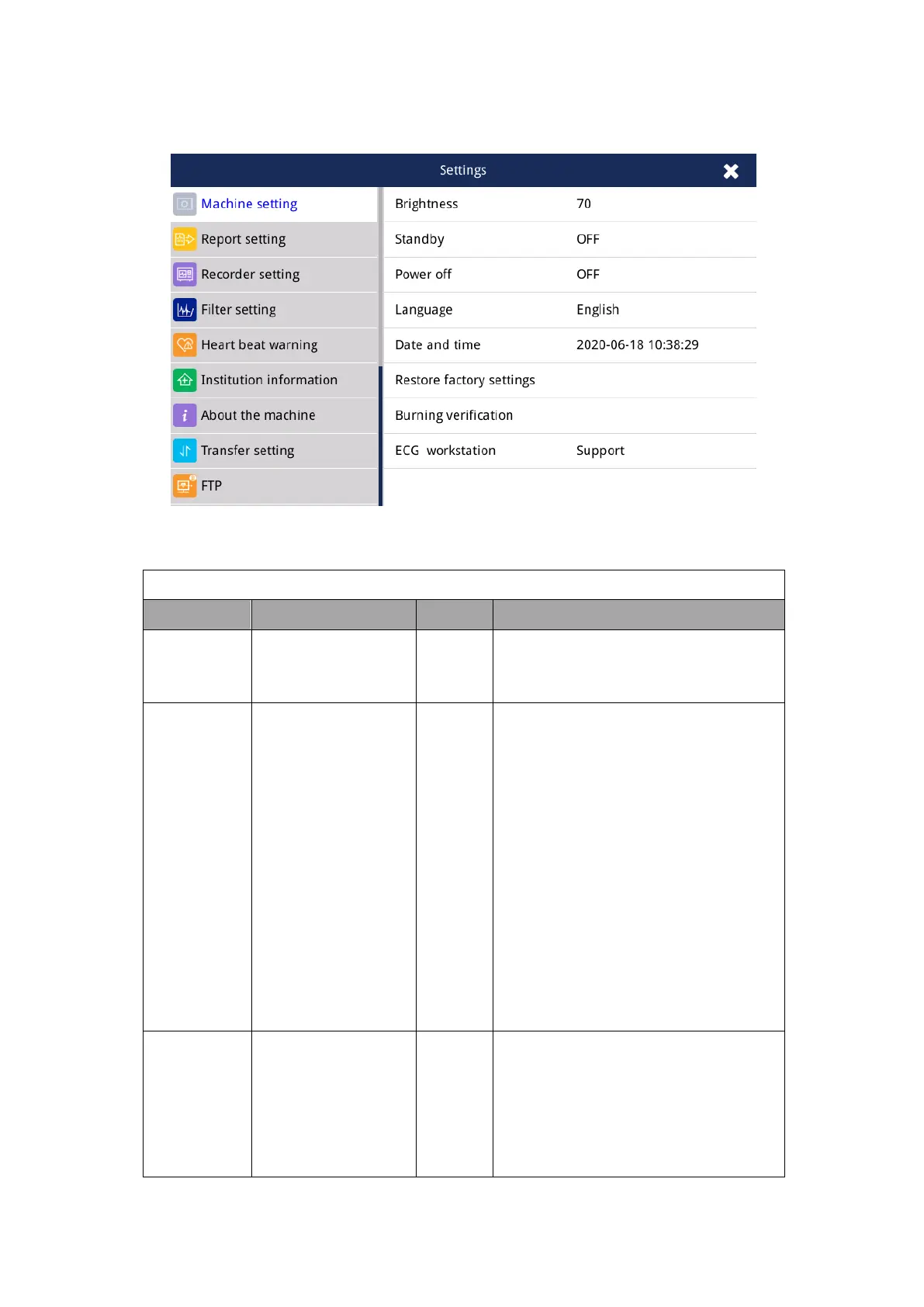
4.2.4 General-Machine Setting
Fig. 4.4 General-Machine setting interface
Adjust display screen backlight
intensity
Off, 5min, 10min,
15min,20min,25min,
30min
Set the time when the ECG machine
automatically enters standby mode. If
there is no user operation within the
set standby time, the ECG machine
enters the standby state. When
entering standby mode, the screen is
turned off. The standby time you set
cannot be longer than the automatic
shutdown time.
Off, 5 min, 10 min,
15 min, 20 min, 25
min, 30 min
Set the auto power off time. If the user
does not perform any operation during
the set auto power off time, the ECG
will automatically shut down.



 To Next Page