60
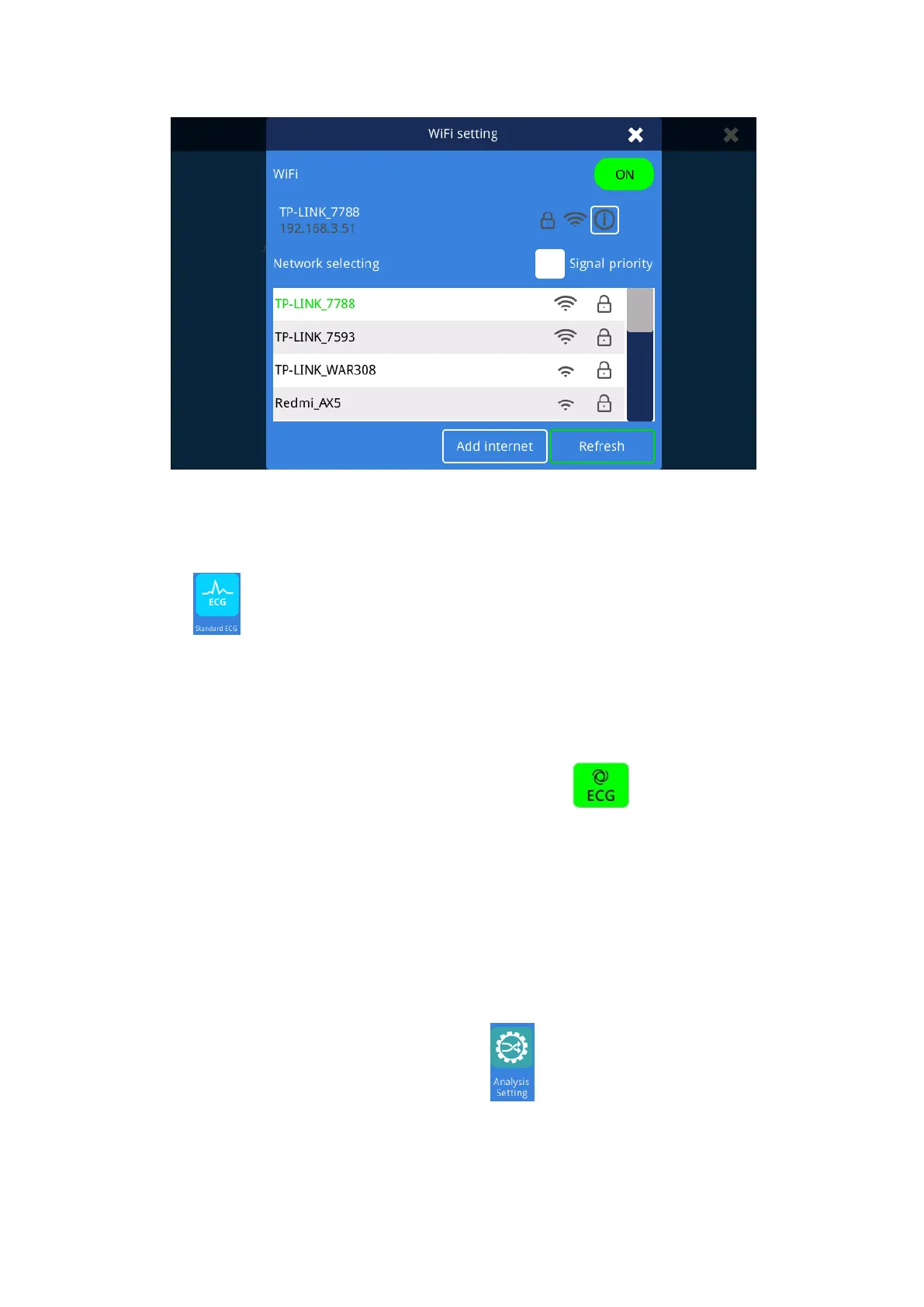
Fig. 4.22 WIFI Interface
4.2.23 Standard ECG setting
Click the " " button to enter the waveform acquisition interface.
4.2.23.1 Auto mode
The automatic mode refers to the automatic acquisition and printing of wave forms by the
electrocardiograph. It is a common mode of the electrocardiograph and is used for routine
electrocardiogram examination. The user simply presses the " " button to automatically
capture and print the waveform. (Does not include pre-sampling mode).
Specific operation method:
1. In the waveform acquisition interface, set the gain, and paper speed according to actual
needs;
2. In the【Recorder Setting】Interface,set the layout according to actual needs;
3. Enter the system application interface, Click the “ ”then select 【Standard ECG】to enter
the [Standard ECG] setting interface, select the auto-simultaneous or auto-sequential recording
mode, set the sampling mode, and printing duration;



 To Next Page