18
2.3 Interface Display
2.3.1 Waveform Acquisition Interface
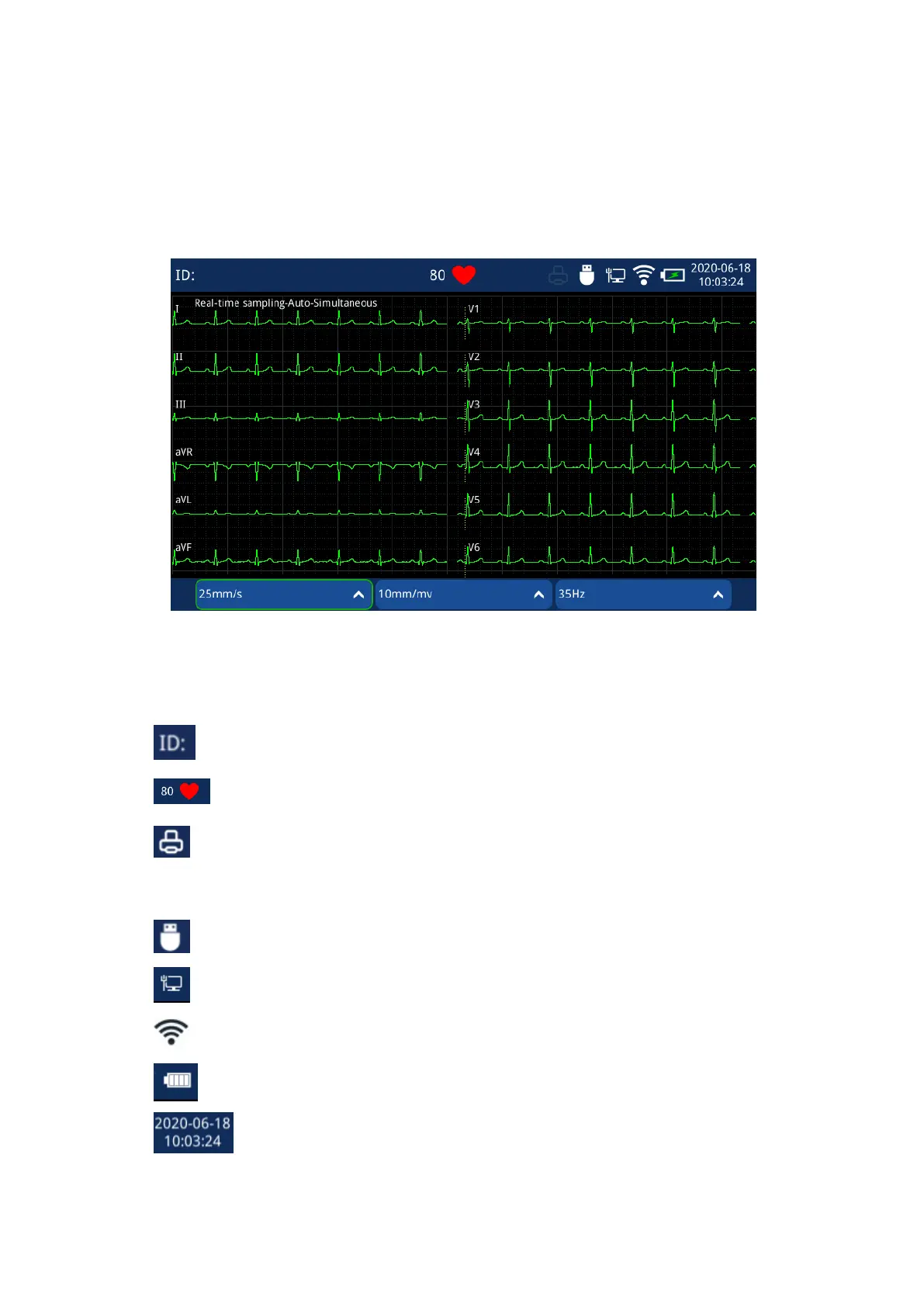
Waveform Acquisition Interface show 6x2 layout only.
Fig. 2.7 Waveform Acquisition Interface
1 Patient and system information zone:
a Patient ID;
b Heart Rate Indication (tachycardia/bradycardia);
c External printer indication. The icon being dark indicates that it is not
connected;
d Storage information;
e LAN connection state; Dark icon indicates network disconnection;
f WIFI connection state; Dark icon indicates network disconnection;
g Battery Information. The white bar indicates the battery level;
h Time display; Click it and quick set the date and time.



 To Next Page