55
2) After the test is passed, check
the “ ” button to enable it.
(Note: It can only be used in the
transmission of the [Report
Management] interface after it is
enabled.)
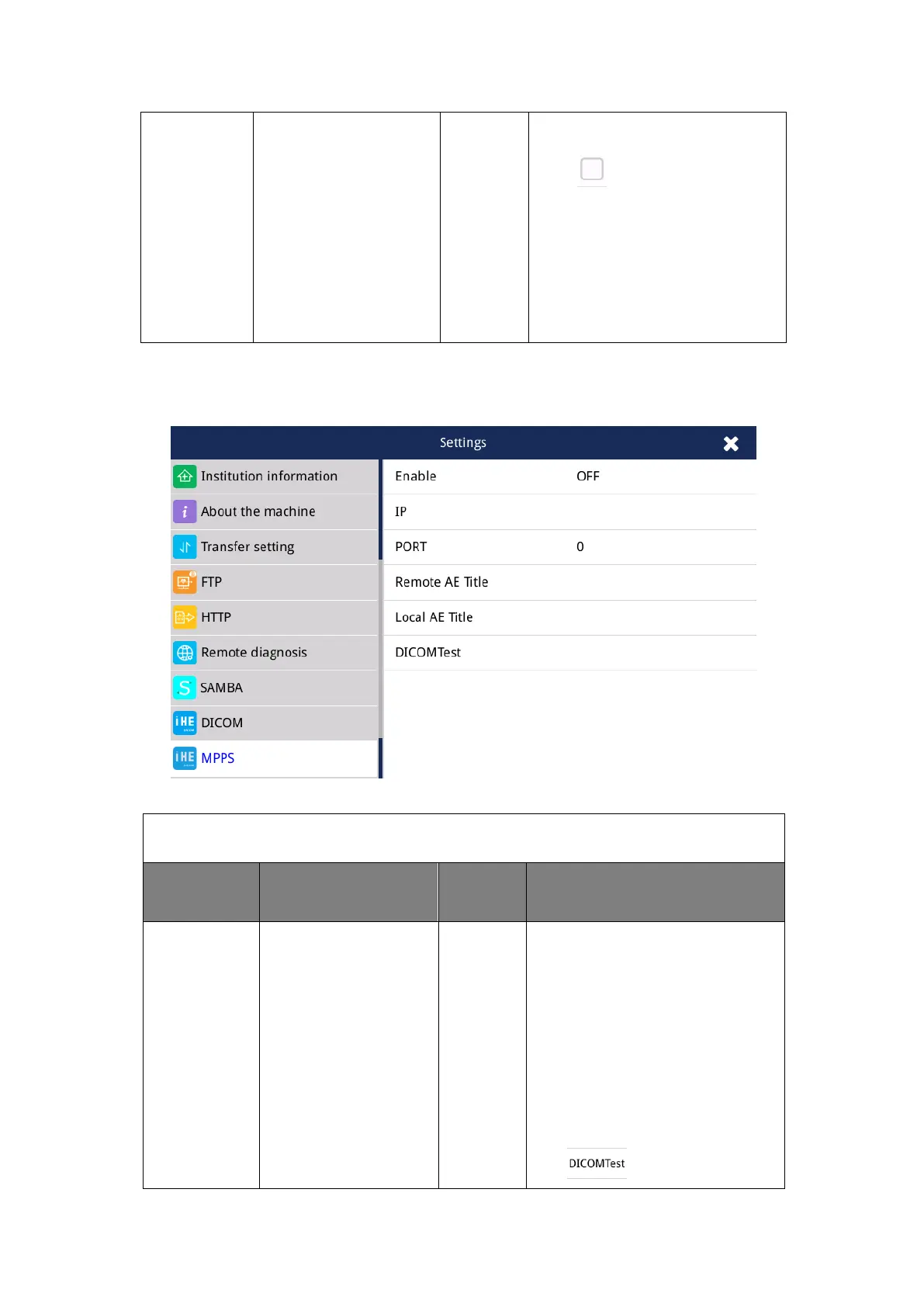
4.2.17 General-MPPS(IHE)
Fig. 4.17 General-MPPS
IHE(Integrating the Healthcare Enterprise)–MPPS Setting
MPPS Server
Configuration
IP address,
port number,
remote AE title,
local AE title,
DICOM test
The ECG machine will send three
states of acquisition, start the
acquisition, complete the
acquisition, and cancel the
acquisition, to this server.
1) After setting, you can click
the “ ” button to check if it



 To Next Page