64
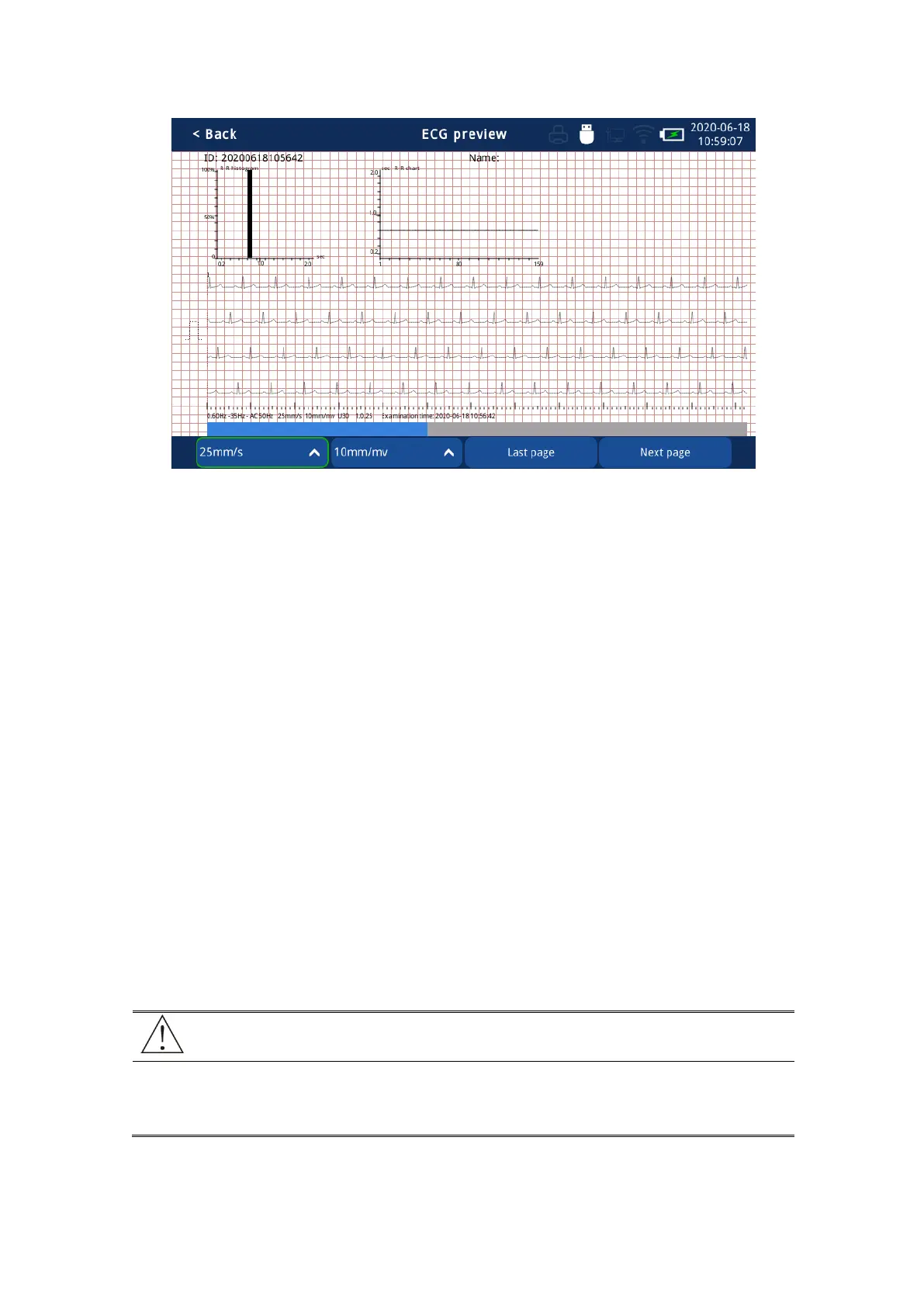
Fig. 4.25 2 minute rhythm analysis report Interface
4.3 Machine Setting
4.3.1 First Time Setup
When using the ECG for the first time or use it after repair or update, be sure to check and
improve the following settings:
Fill in the relevant device information in [Institution Information] for the convenience of
centralized management and maintenance.
Set the date and time in [Machine Settings] to ensure accurate date and time for the
convenience of patient number generation and report management.
Set the backlight brightness in [Machine Setting].
Set the standby time in [Machine Setting]
Set the language type in [Machine Setting].
Set the report save location and save mode in [Report Setting].
When the equipment is repaired or upgraded, the equipment settings will
usually be restored to the factory values and need to be reset at that time.



 To Next Page