82
7.2.2 Searching Reports
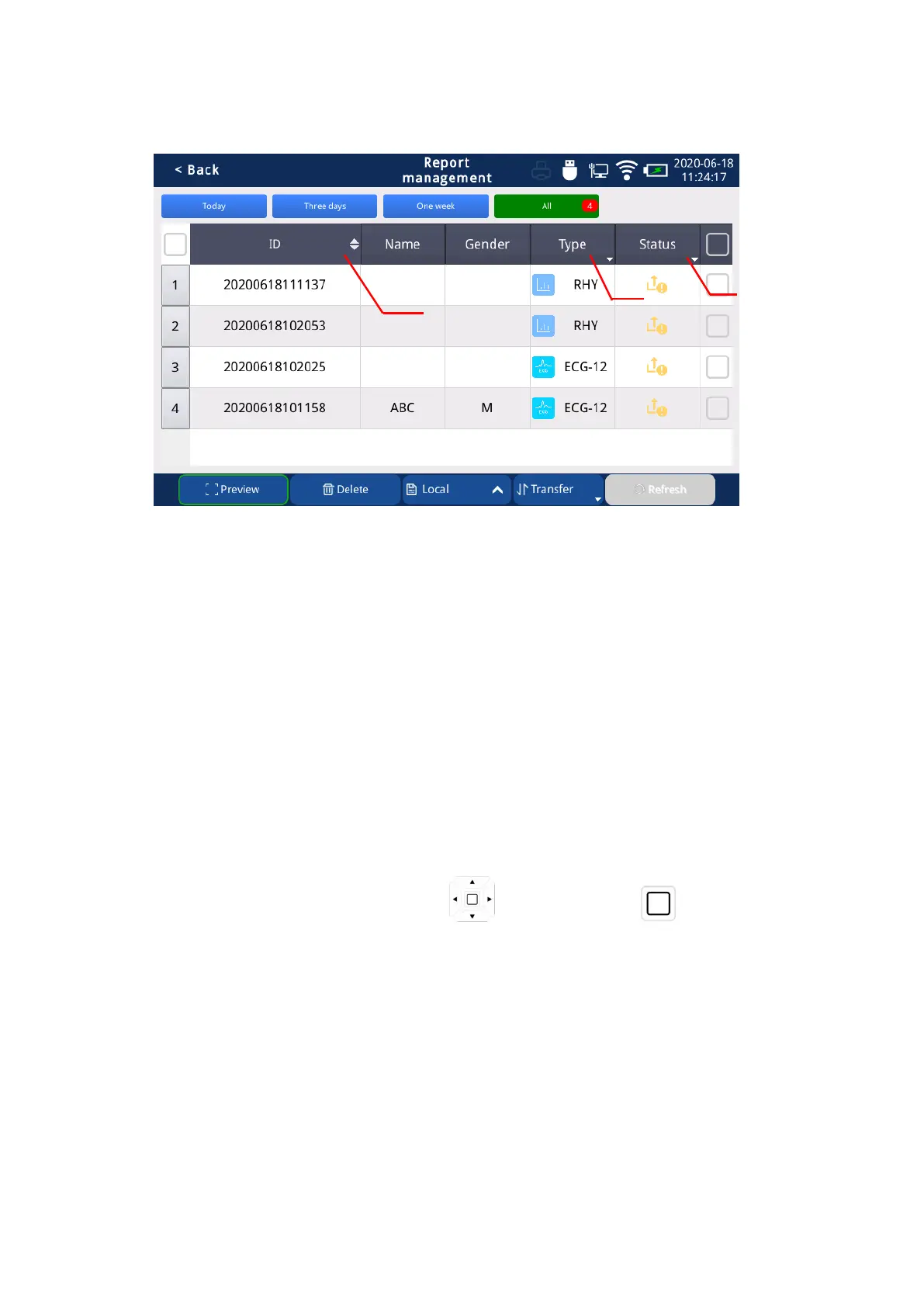
Fig. 7.1 Searching Reports
Searching Reports:
(1) Click the up arrow next to the “ID” button, all reports will be sorted in ascending order by ID
number; click the down arrow, all reports will be sorted by ID number in descending order; click
the “ID” button, all reports will be sorted in descending order of report modification time.
(2) Click the “Type” button to filter the report by report type. They are: all, standard 12 leads,
rhythm, etc.
(3) Click the “Status” button to filter the report by report upload status. They are: all, not
uploaded, uploaded, failed to upload, diagnosed, etc.
Operation method:Select the direction with “ ”, and confirm with “ ”, or with external
keyboard.



 To Next Page