58
4.2.20 E-Mail Setting
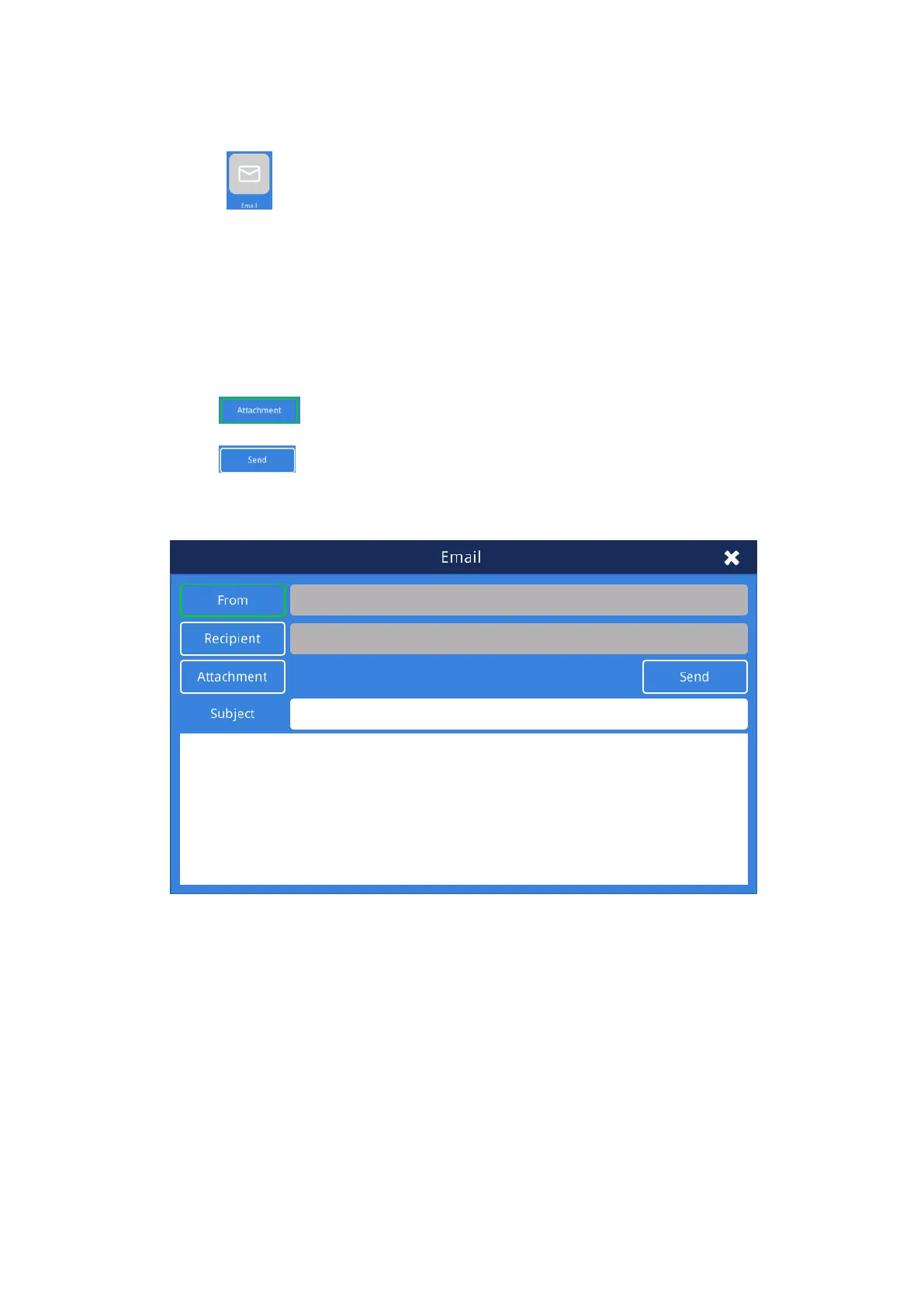
1、 Click the " " button to open the mail dialog. Note: For more information on configuring
your network and interfaces, please consult your network administrator. Use wired Ethernet or
WIFI transmission:
1)Manually add the sender, recipient's account number, server address and port number.
2)Select and confirm the appropriate sender, recipient.
3)Click the “ ” button to check the files you want to upload.
4)Click the " " button to send the mail.
2、Recipients can view ECG files in png format by Email.
Fig. 4.20 Email Interface



 To Next Page