53
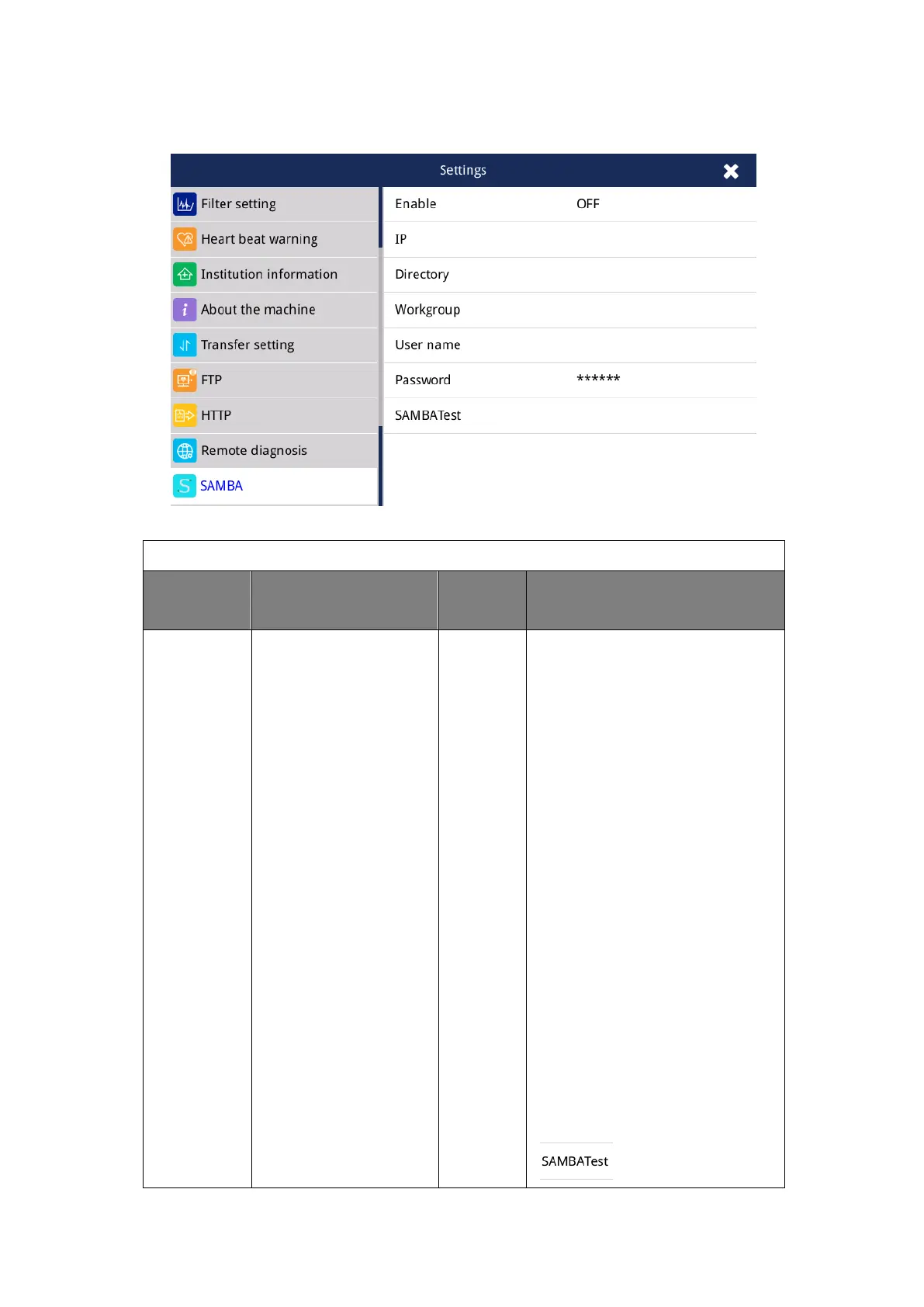
4.2.15 General-SAMBA Setting
Fig. 4.15 General-SAMBA Settings
IP address,
directory,
Workgroup
username,
password,
SAMBA test
1) The SAMBA username and
password that you set must be
the username and password that
can be logged into the SAMBA
server.
2) The SAMBA path that you set
must be a subdirectory that
already exists in the root
directory of the SAMBA server.
Note: For more information about
the SAMBA server, please
consult your network
administrator.
3) After setting, you can click the
“ ” button to check if it



 To Next Page