63
1. Enter the system application interface, Click the “ ”then select 【Standard ECG】to enter
the [Standard ECG] setting interface, select the real-time sampling mode, rhythm recording
mode and rhythm analysis time;
2. Click the “ ” button and select rhythm lead label. Or enter the [12-lead] interface and
select the single-ratio lead label;
3. After setting, click the “ ” button on the screen, the sampling time countdown will
appear. A complete rhythm waveform will be recorded after the countdown ends. During the
recording process, press the “ ” button to stop recording if necessary.
4. Click the “ ” button on the panel, and the sampling time countdown will appear. A
complete rhythm waveform will be printed after the countdown ends. During the recording
process, press the “ ” button to stop recording or stop printing the rhythm analysis report
if necessary.
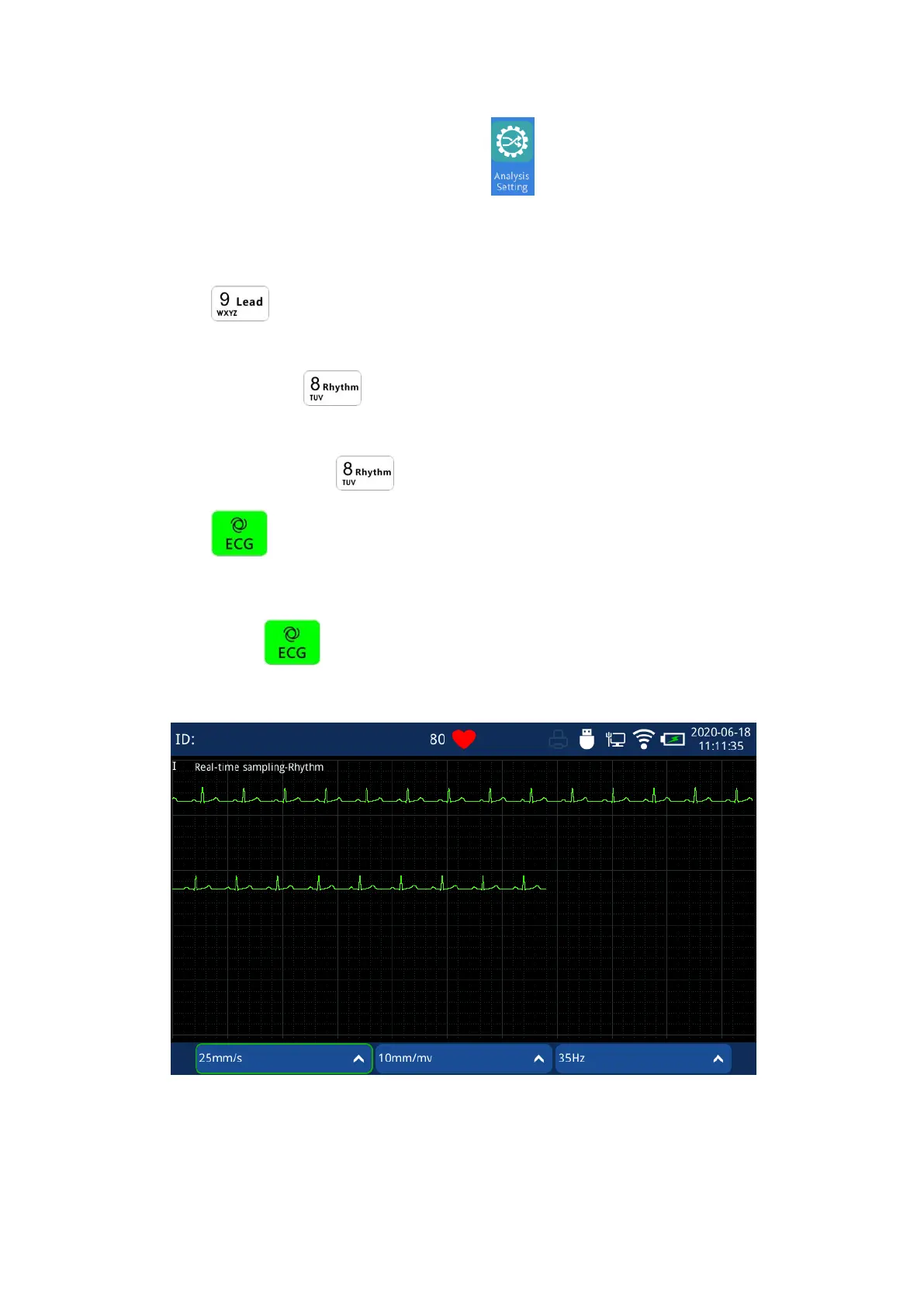
Fig. 4.24 Rhythm Analysis waveform acquisition Interface



 To Next Page