62
3. Enter the system application interface, Click the “ ”then select 【Standard ECG】to
enter the [Standard ECG] setting interface, select the auto-simultaneous or manual recording
mode;
4. Enter the [12-lead] interface and select the lead system and the single-ratio lead label;
5. According to your own needs, set other parameters, and exit the [Standard ECG] interface
after the setting is completed.
6. Click the “ ”button on the panel to print the manual mode ECG report.
Caution:Manual mode does not support external printing.
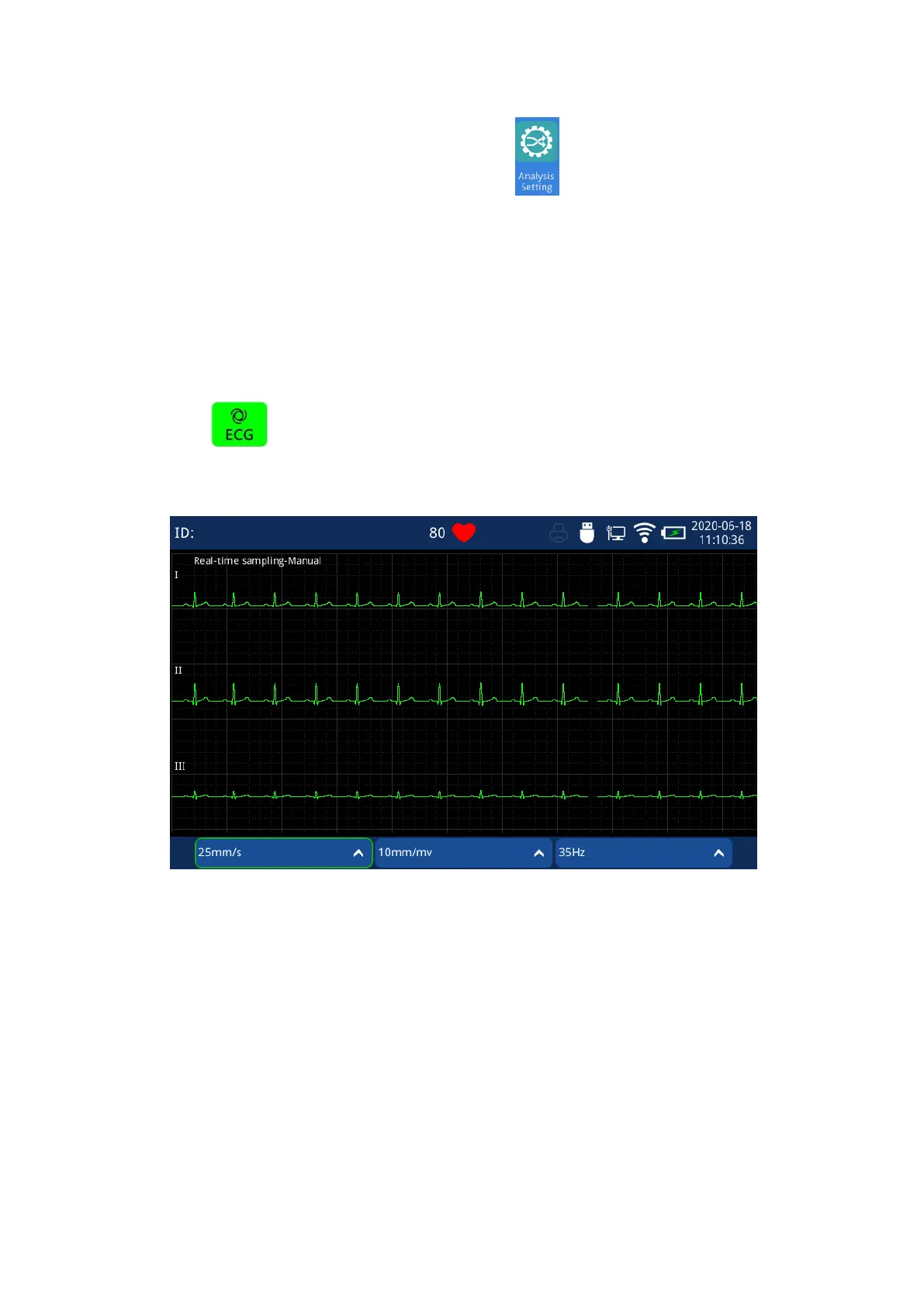
Fig. 4.23 Manual mode waveform acquisition Interface
4.2.23.3 Rhythm mode
The rhythm mode is for user to collect and print a single lead for a long time to observe and
capture sporadic or frequent arrhythmia.
Specific operation method:



 To Next Page