Playing recordings
30
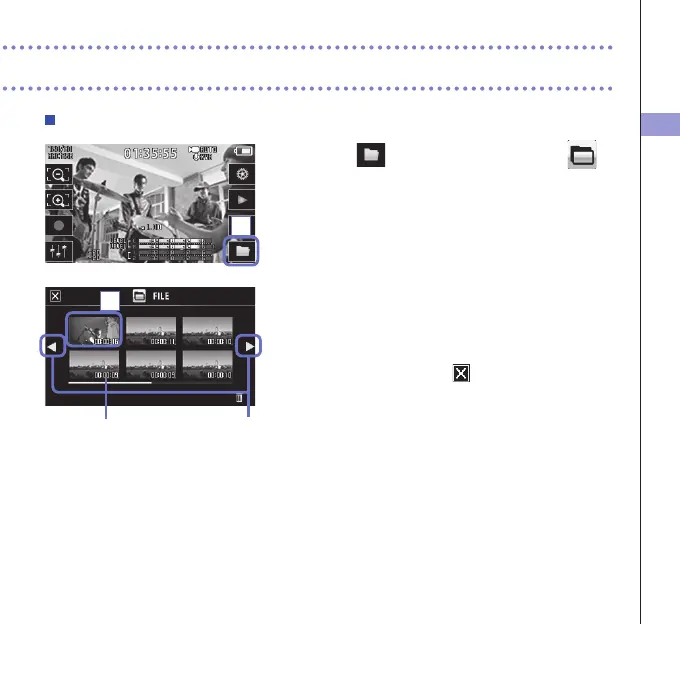
Playing files from the list
1. Touch on the Main Screen or touch in
the menu.
ThisopenstheFILElistscreen.
2. Touch the file to play back.
Thisopensasubmenu.
Touch"PlayBack"tostartplayback.
3. To stop playback, touch .
TheFILElistscreenwillreappear.
Filelength Change page
1
2



 To Next Page