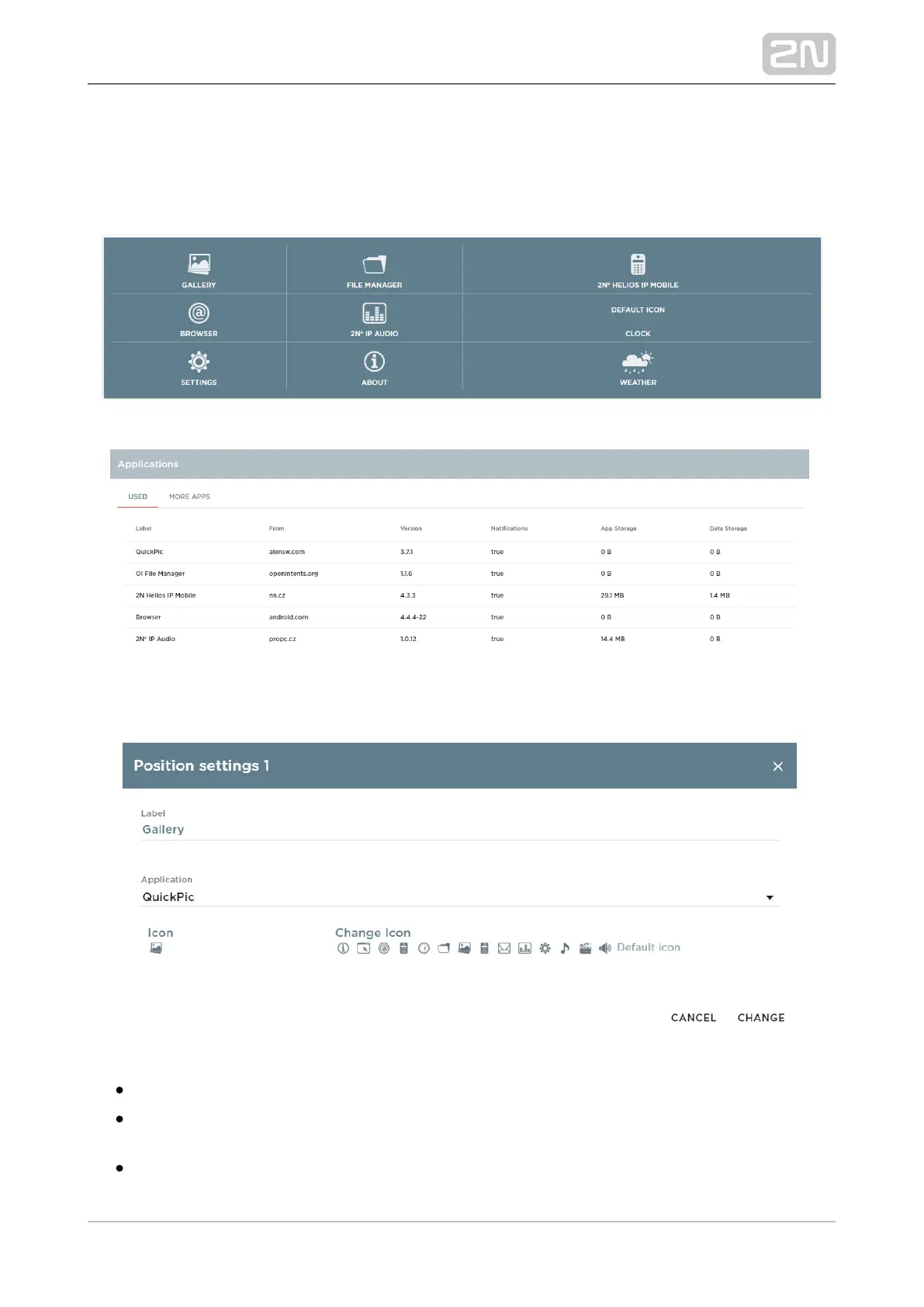
5.3.2 Home Screen
This tab helps you set application positions and icons. It also includes the list of all
applications available in the system.
Click a selected position to display a position setting window:
Label – application name to be displayed on a position.
Application – click to display the list of applications installed in the device. Select
an application to set its position in the launcher for launching.
Icon – selected application icon.
Change Icon – change an icon to another or the default one.



 To Next Page