5.4.1.2.3 SIP Proxy
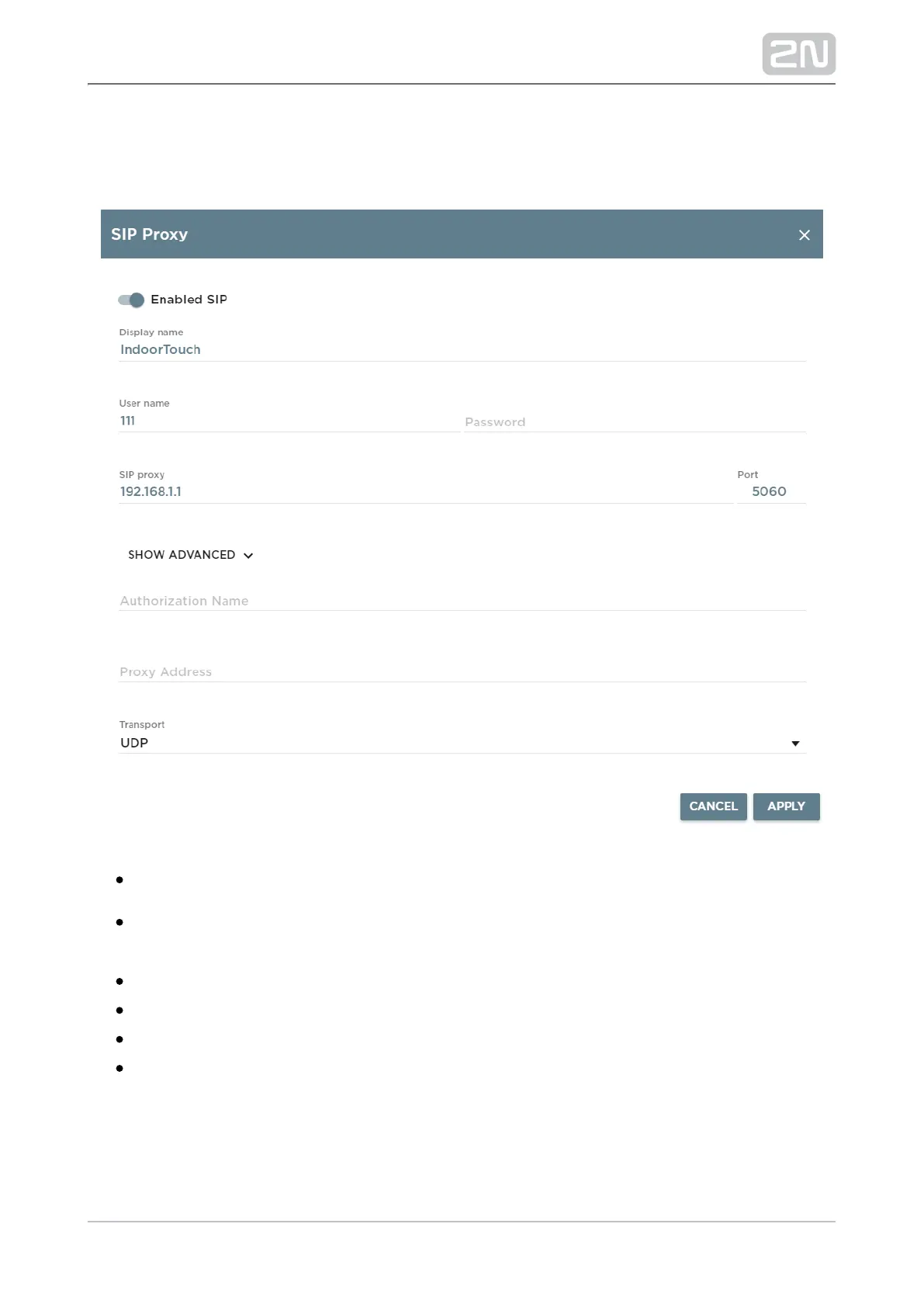
This tab helps you set the parameters necessary for SIP Proxy server connection.
Enabled SIP – enable/disable connection to SIP Proxy and set details.
Display Name – display the device/application name for SIP 2N Helios IP Mobile
®
Proxy needs.
User Name – user name/number registered with the SIP Proxy server.
Password – user password registered with the SIP Proxy server.
SIP Proxy – SIP Proxy server IP address.
Port – select the communication port. Default: 5060. Range: 1-65535.



 To Next Page