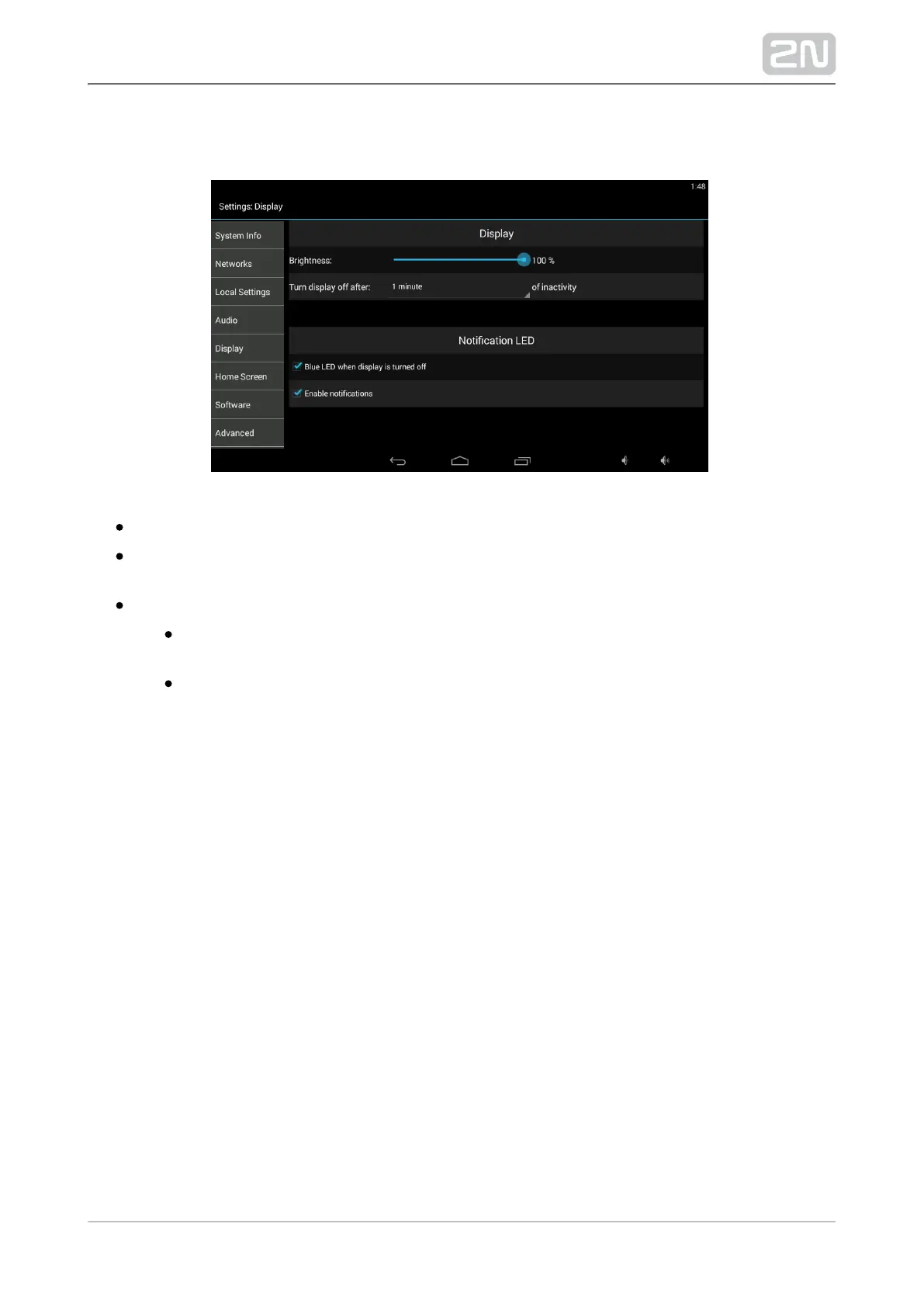
Display
Brightness – set the display brightness level.
Turn display off after – set the timeout for automatic turn-off in case of
inactivity.
Notification LED
White LED when display is turned off – the white LED lights up
automatically after the LCD display turn-off to indicate the stand-by mode.
Enable notifications – enable LED notifications of selected events (missed
calls, e.g.) in the stand-by mode.



 To Next Page