1.
2.
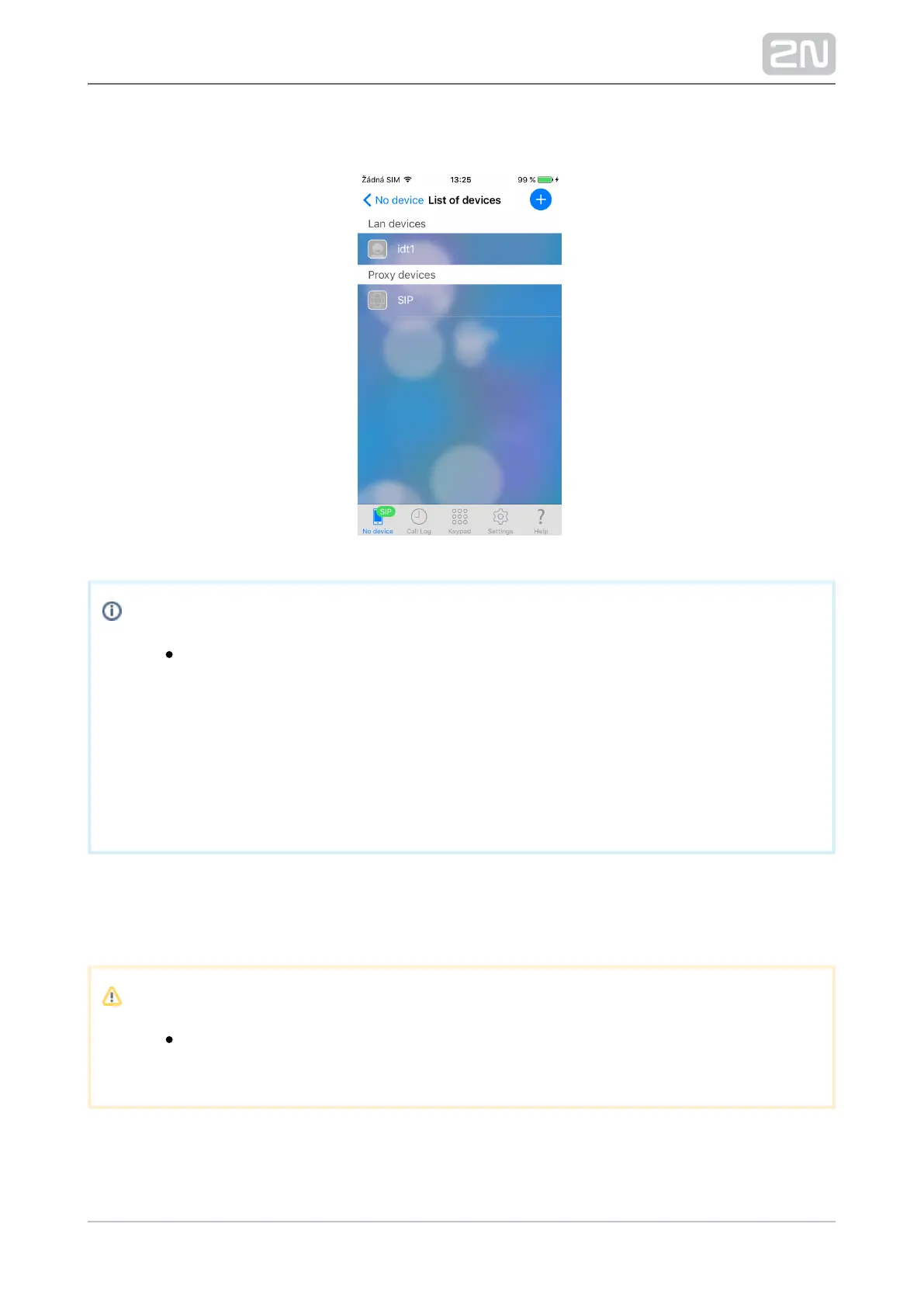
The selected devices are saved automatically and displayed in the List of devices
immediately after selection.
Note
There are two ways how to remove a device from the List of devices:
Cancel the selection of the required device in the LAN devices menu to
remove an available device.
To remove an unavailable device, swipe your finger from right to left on
the device name row in the List of devices to display and press Delete
next to the Device name.
Proxy Devices
It is necessary to register with a SIP Proxy server to enable SIP Proxy devices.
Note
The application will not allow you to add, create or edit a SIP Proxy
device until connected correctly to a SIP Proxy server.



 To Next Page