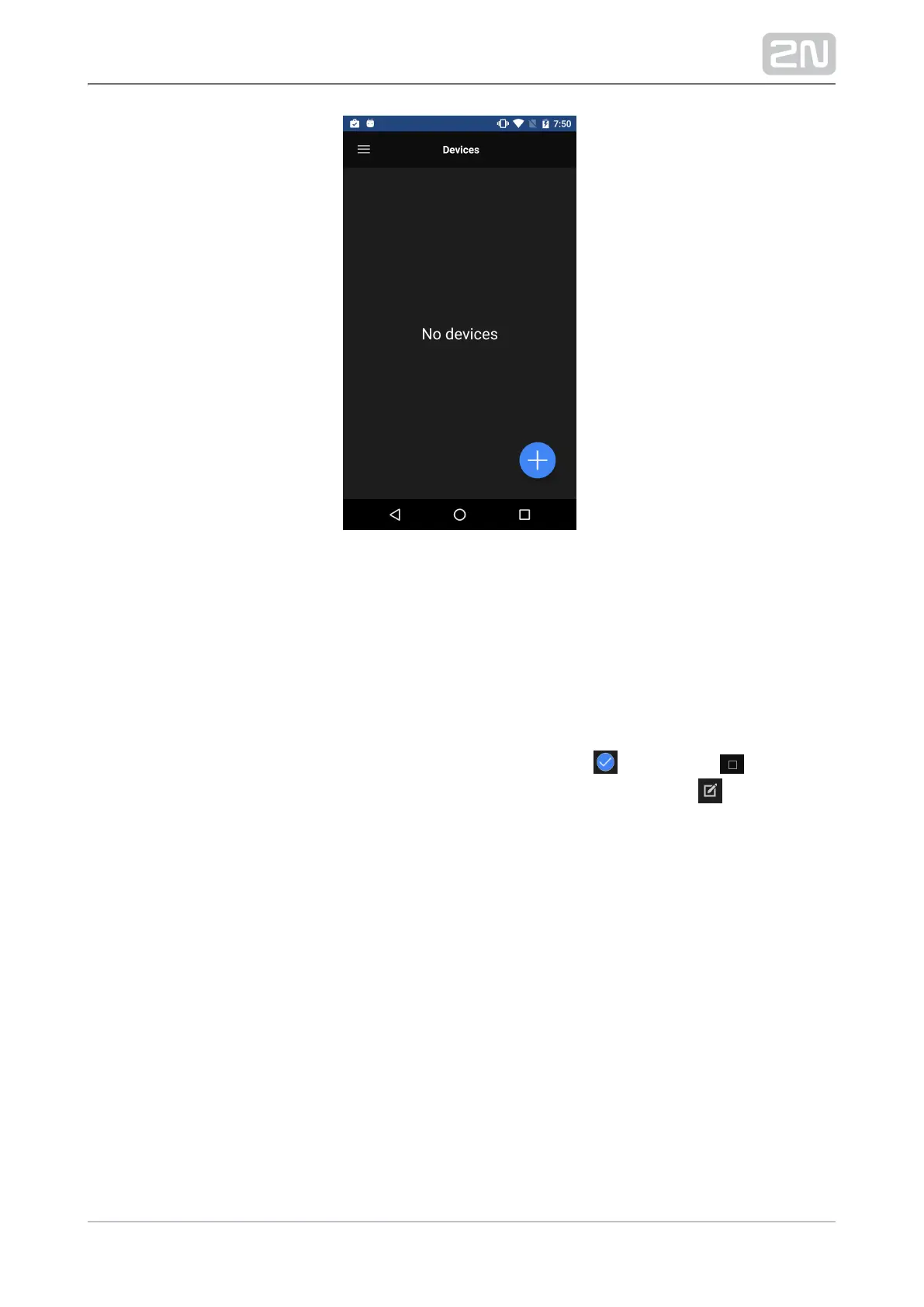
LAN Devices
The Devices / LAN devices window displays the automatically added , 2N Helios IP 2N
®
and devices, which are currently located in one and Indoor Touch 2N Helios IP Mobile
®
the same LAN. Click the required row to select a device. Each device has a unique
name and IP address. The selected device is marked with . Press the button in
the right-hand upper corner to select all the devices listed. Press the icon to edit
the device name.



 To Next Page