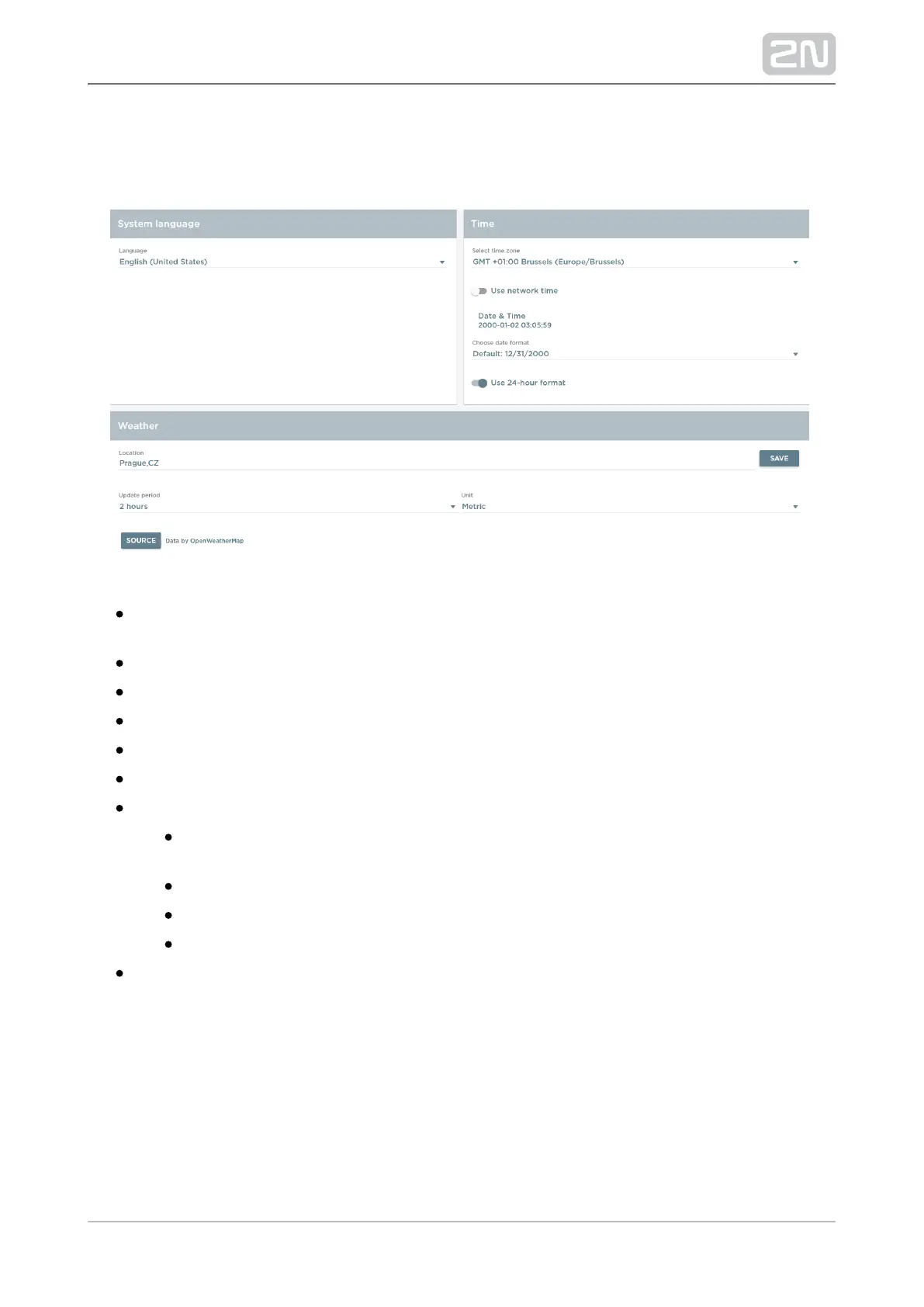
5.3.3 Local Settings
The tab helps you change the language, time zone and weather.
System Language – change the language of most applications (Gallery, etc.)
excluding the launcher, which is in English by default and cannot be changed.
Time – select the time zone. The default zone is GMT + 00:00.
– select Use network time or Set time manually.Use network time
– click to enable manual date and time setting.Date & Time
– set the date format.Date format
– select the time format: 12 h or 24 h.Use 24-hour format
Weather – change the weather settings:
Location – weather forecast location in the format used at
.OpenWeatherMap.org
Save – save the set location.
Update period – weather data update rate: 1 hour or 2 hours.
Unit – temperature units: Metric (°C) or Imperial (°F).
Source – open the data source: OpenWeatherMap.org



 To Next Page