3.2 Home Screen
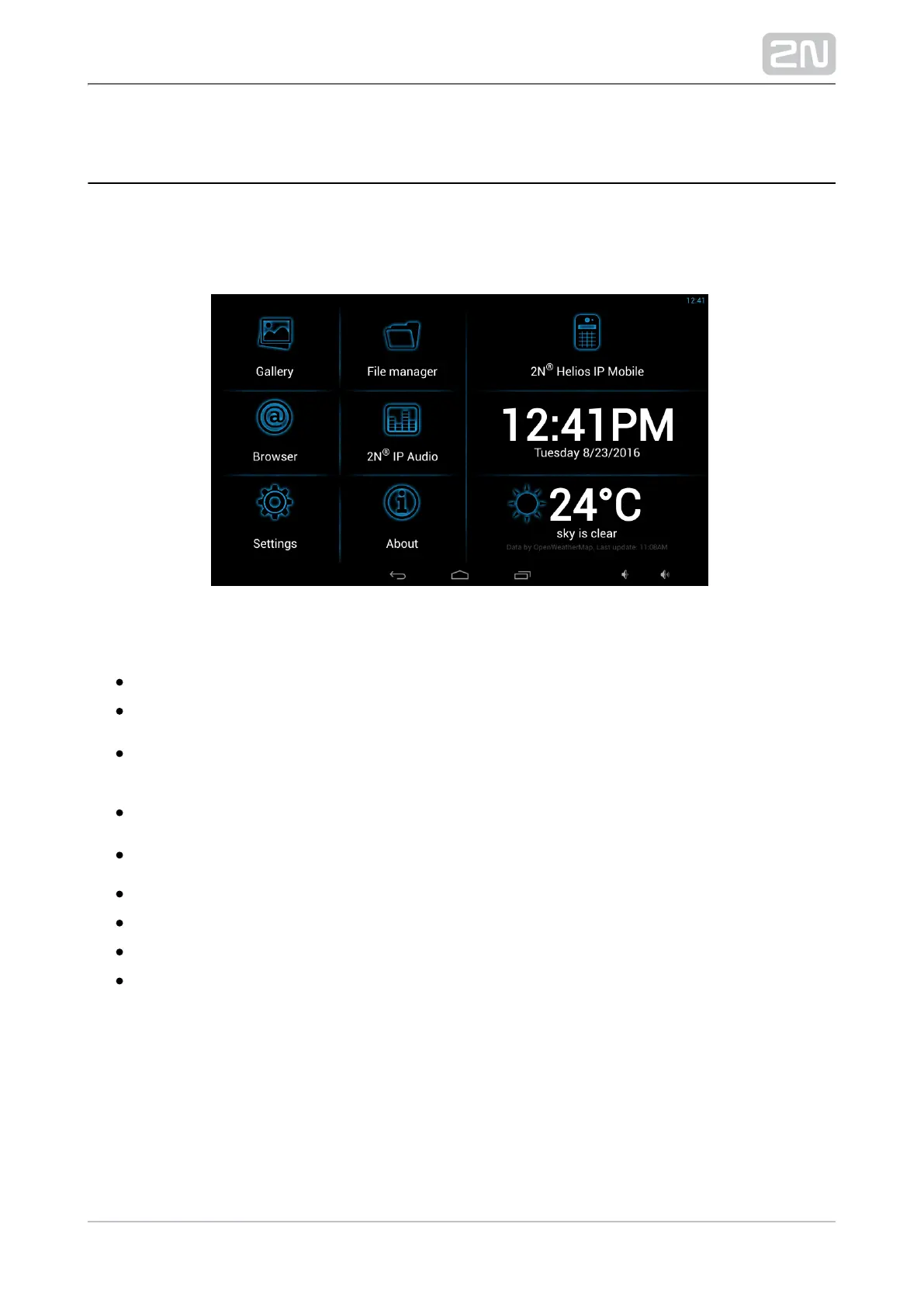
The introductory screen provides a total of nine configurable tiles for you to launch
specific, user defined applications. The About and Settings buttons are also available
here.
Factory settings:
Gallery – launch the photo/image processing application.
File manager – launch a standard file system application.
2N Helios IP mobile
®
– video call application; refer to 4. 2N Helios Mobile IP
®
for details.Configuration
Browser – launch an Internet browser application.
2N IP Audio
®
– remote control application.2N NetSpeaker
®
server
Time/Date tiles
Weather tile
About button
Settings – access to configuration section



 To Next Page