Caution
Where WiFi and Ethernet connections are available, we recommend you
to choose Ethernet.
With WiFi connection, please make sure that your 2N Indoor Touch
®
signal is strong enough and connectivity meets the transmission
requirements.
Make sure that your is connected to one and the 2N Indoor Touch
®
same LAN with the 2N Helios IP intercom or the third party unit engaged
in the communication.
Refer to for more details.https://faq.2n.cz/
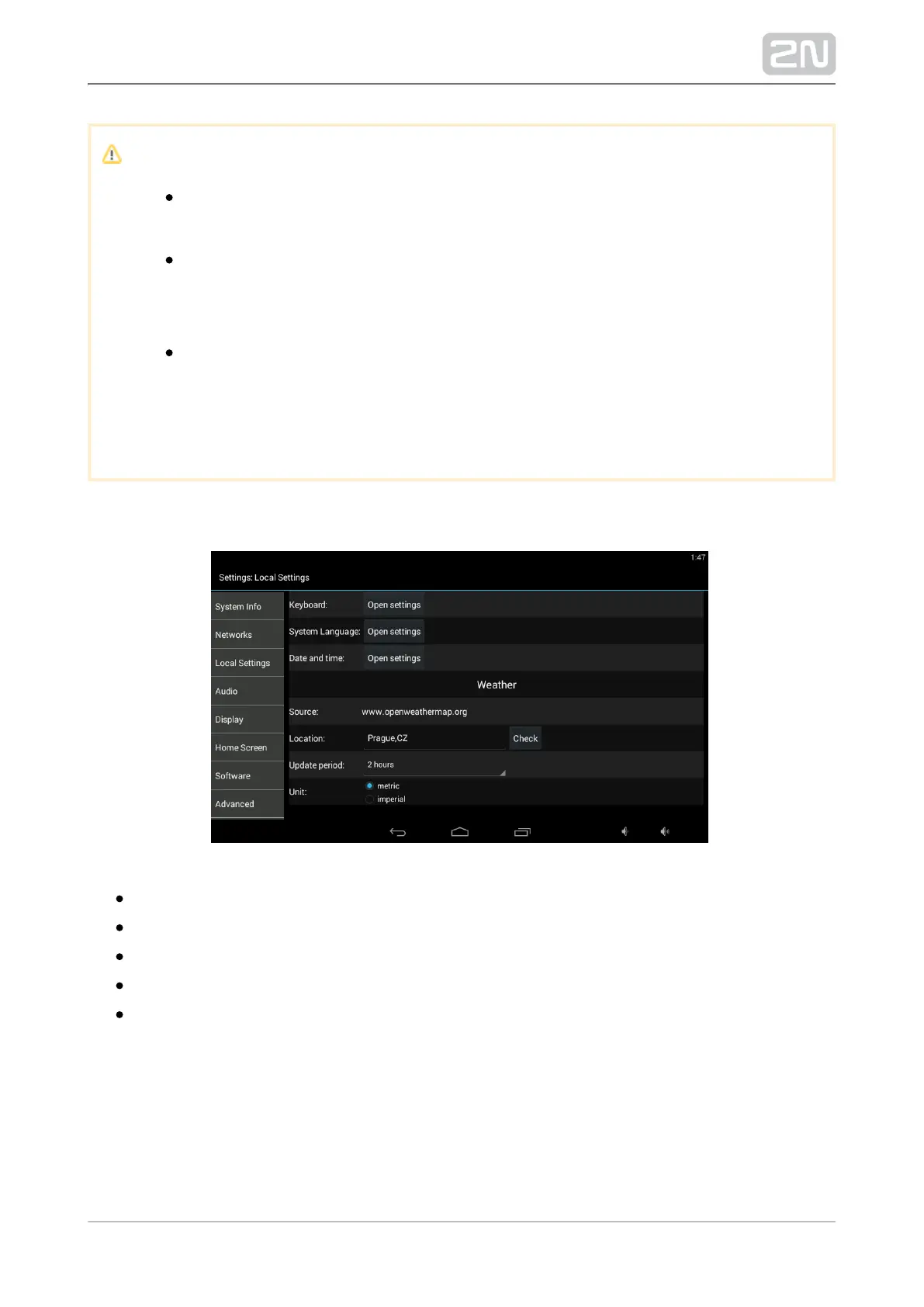
Local Settings
Open keyboard settings – set the system keypad.
Open language settings – set the system language.
Launcher language – set the introductory and setting screen language.
Open data and time settings – set the system date/time.
Weather – set the installation site for weather forecast.



 To Next Page