1.
2.
4.1.2 Application Installation on Mobile Devices
Download and install the application for Android OS from the 2N Helios IP Mobile
®
store. To install it from your PC directly, make sure that your Smartphone Google Play
is paired with the Google account and you are connected to the account via a web
browser. Just use the link above, select the application, click Install and select the
device to which the application shall be downloaded.
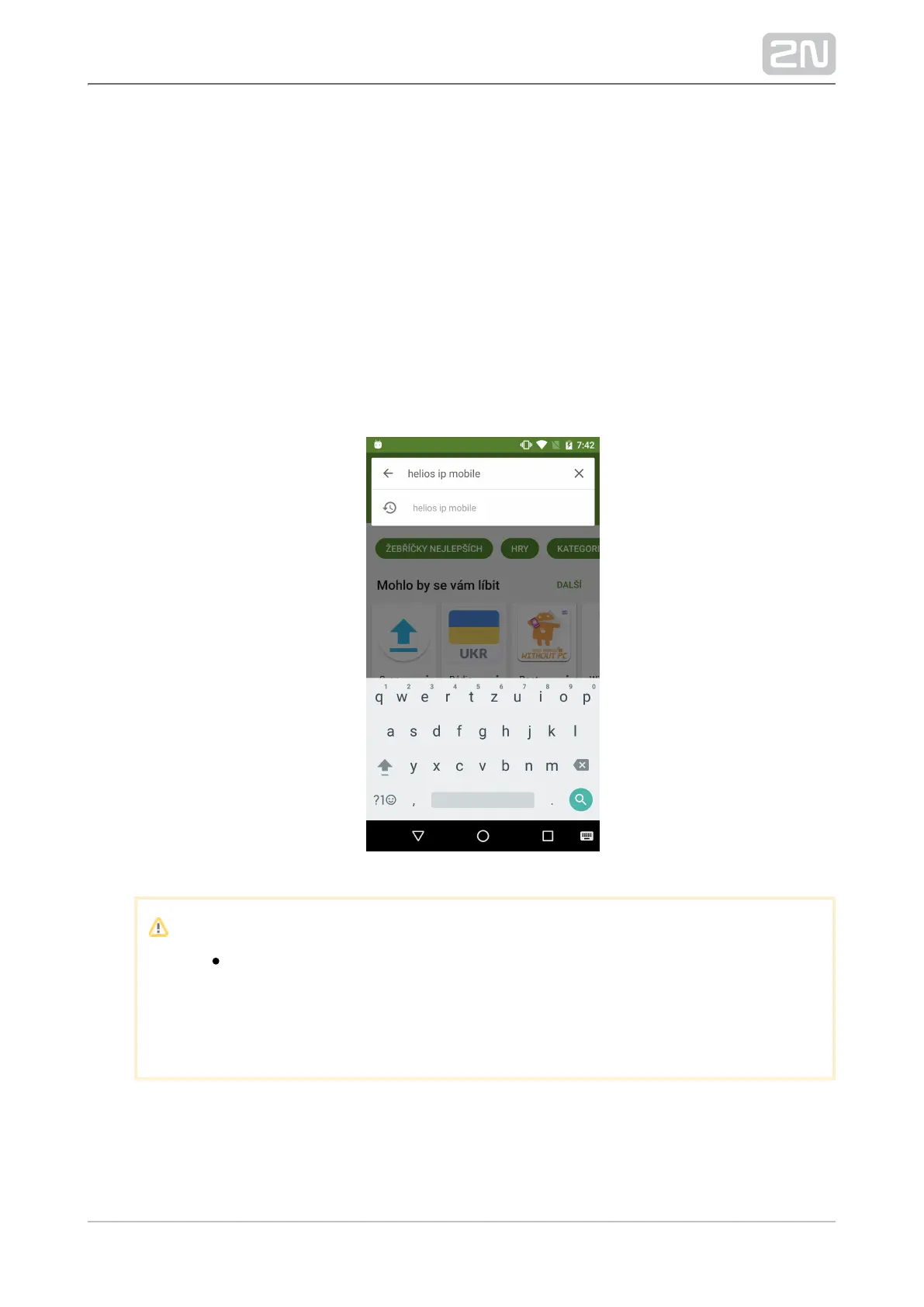
If you prefer installation via your Smartphone, follow the instructions below:
Run Google Play.
Enter "Helios IP Mobile" into your browser.
Note
The "Helios Mobile" string search yields a great amount of
applications and may not be displayed in this 2N Helios IP Mobile
®
case. Therefore, you are advised to search the whole string: "Helios
IP Mobile".



 To Next Page