4.1.3 Application Environment and Configuration
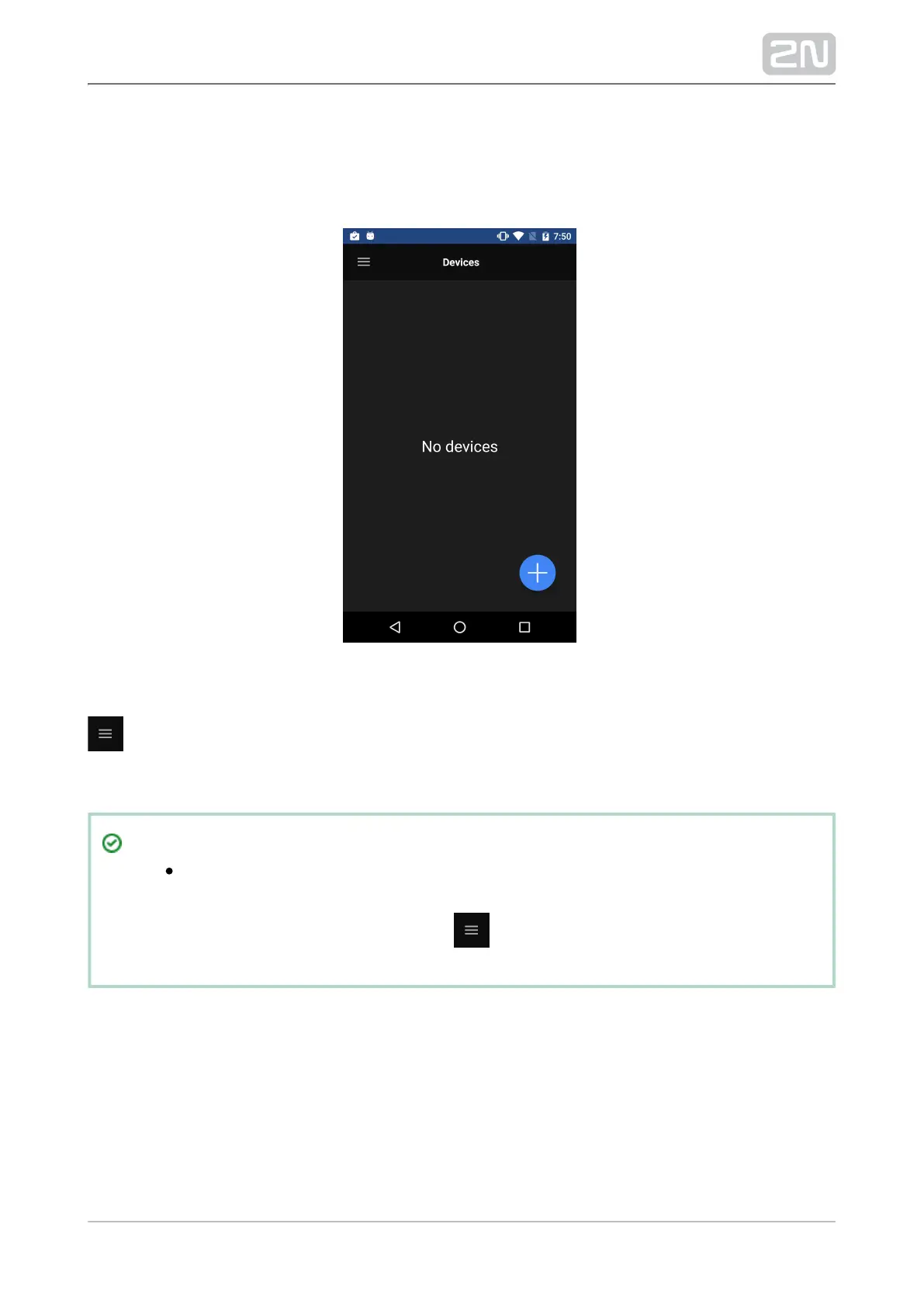
Upon the start, the following screen will get displayed (Devices):2N Helios IP Mobile
®
Click the
icon in the left-hand upper corner to expand the main menu.
The application is automatically set to the Landscape mode in 2N
®
. The main menu is displayed automatically in this mode and IndoorTouch
the user does not have to click to expand it.



 To Next Page