4.2.3 Application Environment and Configuration
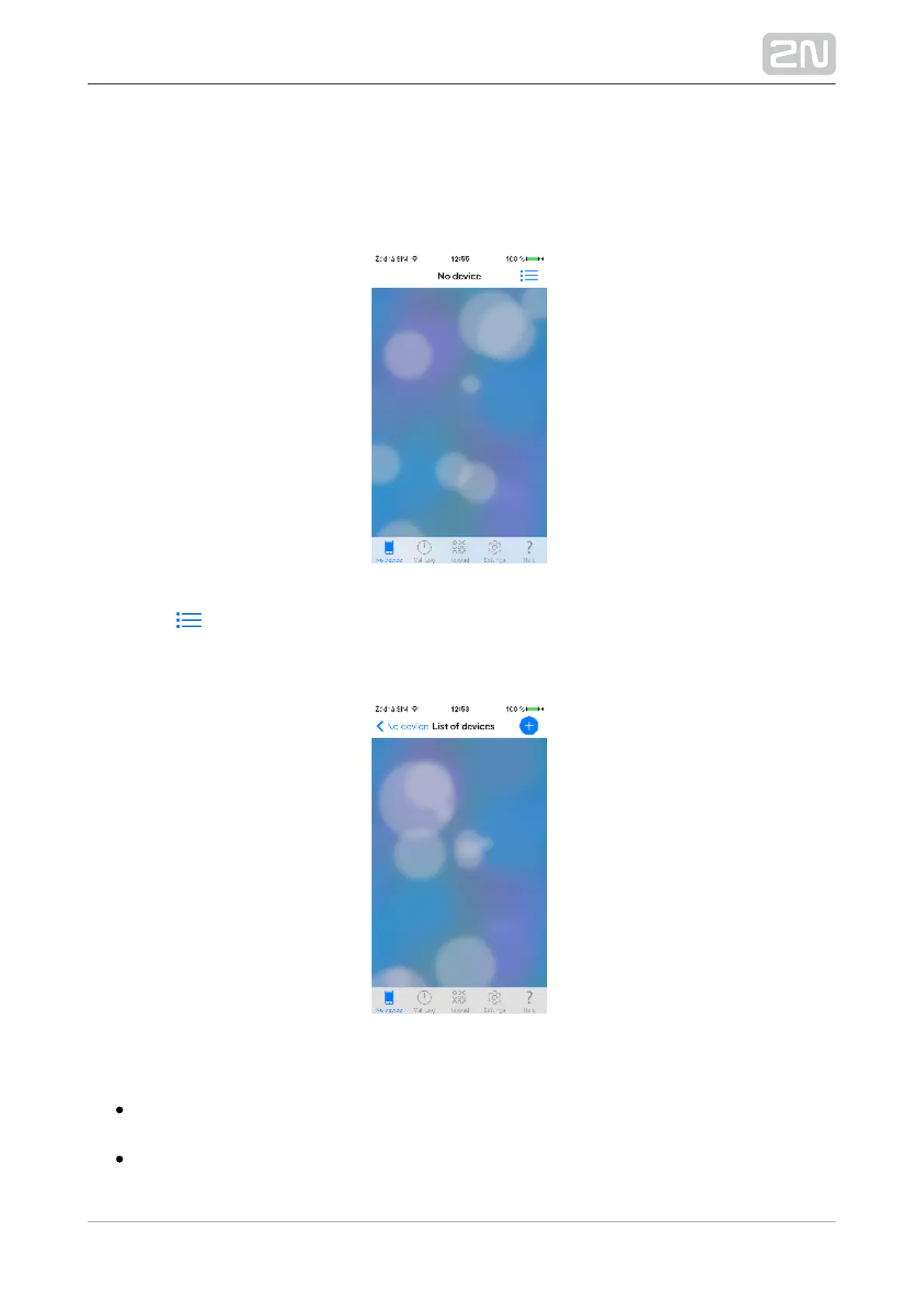
Upon the start, the following screen will get displayed (No 2N Helios IP Mobile
®
device):
Click the icon in the right-hand upper corner of the application to move to the
List of devices where all added devices are displayed and sorted by type (LAN / Proxy
/ My2N / Unavailable). When the application is installed, this menu is empty.
The following items are available on the lower application bar:
No device – this is the card of last-used device. The card name changes into the
name of the device to be viewed.
Call Log – display the list of all incoming/outgoing calls made via the application.
Keypad – if the application is registered with a SIP Proxy server or connected to



 To Next Page