4.1.3.2 Call Log
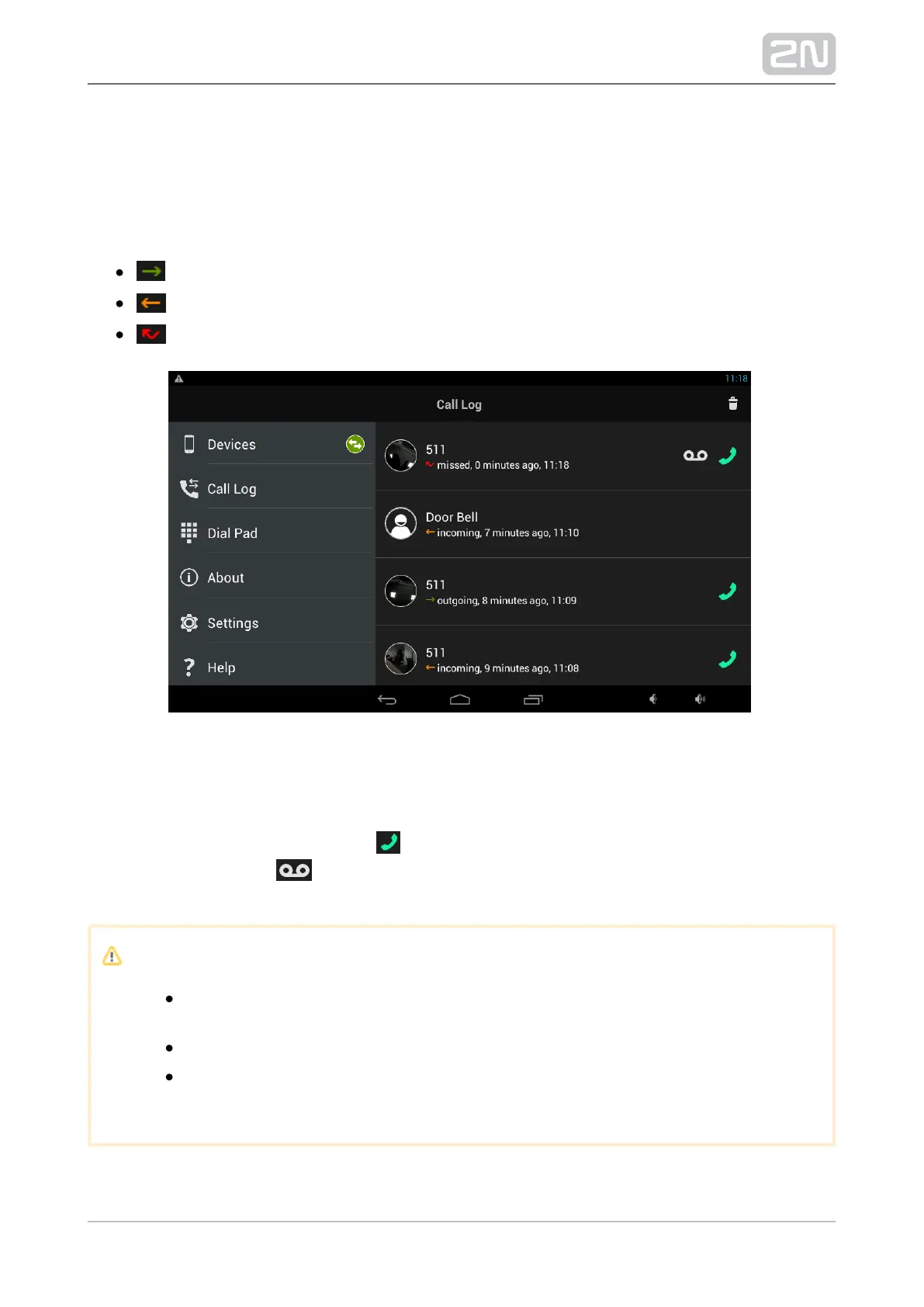
The Call Log section displays the outgoing/incoming call logs. 2N Helios IP Mobile
®
The following values are available:
outgoing – outgoing call
incoming – incoming call
missed – missed call
The call log icon contains either a snapshot from the device or an avatar. The avatar is
displayed whenever the snapshot parameter is inactive, the device is not equipped
with a camera or no snapshot was created due to a short video display. Moreover, you
can use the CallBack function via . If the recorder is active and an incoming call has
been recorded, press to play the record. Use the trash icon to the right to delete
the records.
Caution
A snapshot is created when the active video stream view takes about 3–
5 s.
The maximum Call Log count is 30.
When the Call Log is full, the oldest records are automatically deleted
and replaced with newer records.



 To Next Page