5.3.4 Display
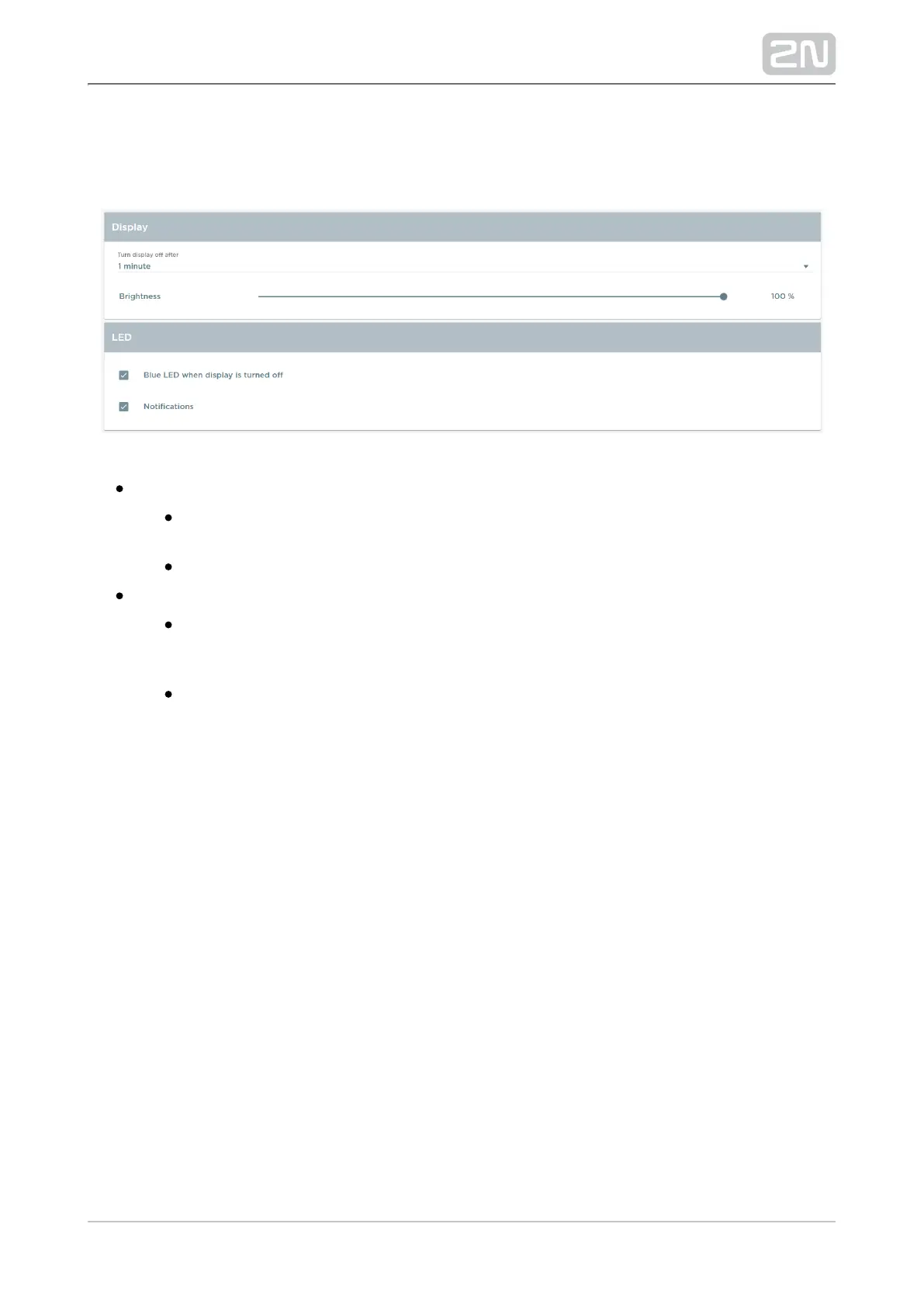
The tab helps you control the display and LED notification settings.
Display – display settings:
Turn display off after – turn the display off after a pre-set time value: from
15 seconds to 30 minutes.
Brightness – set the display brightness: 10–100%.
LED – set the LED notifications:
Blue LED when display is turned off – the blue LED goes on when the
display turns off. This setting helps you distinguish whether it is the device
or the display that is off.
Notifications – enable a red flashing LED to indicate an active notification
from an application, typically a missed call from .2N Helios IP Mobile
®



 To Next Page