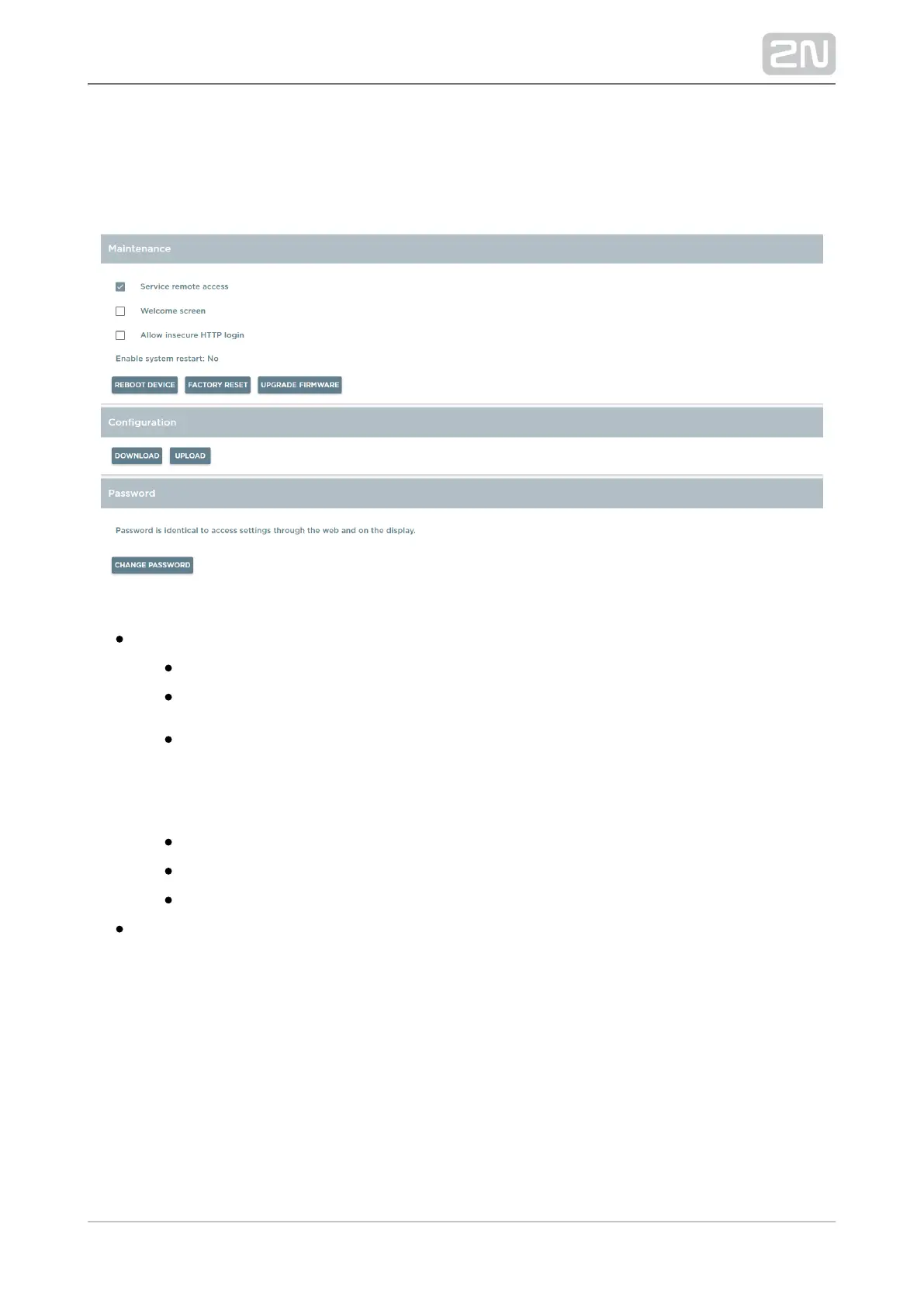
5.3.6 Maintenance
This tab helps you upgrade firmware, back up/download configuration and change
passwords.
Maintenance
Service remote access – enable access to the device via a web interface.
Welcome Screen – display the welcome screen upon every start.
– enable insecure login to Allow insecure HTTP login 2N IndoorTouch
®
HTTP API. Used for analogue input/output control via HTTP API using the
Automation functions.2N
®
Helios IP
Enable system restart – set the automatic restart time for the device.
Reboot device – click to confirm reboot and initiate the device restart.
Factory reset – click to confirm reboot and initiate the device factory reset.
Upgrade Firmware – display the firmware uploading dialogue and initiate
restart+upgrade.



 To Next Page