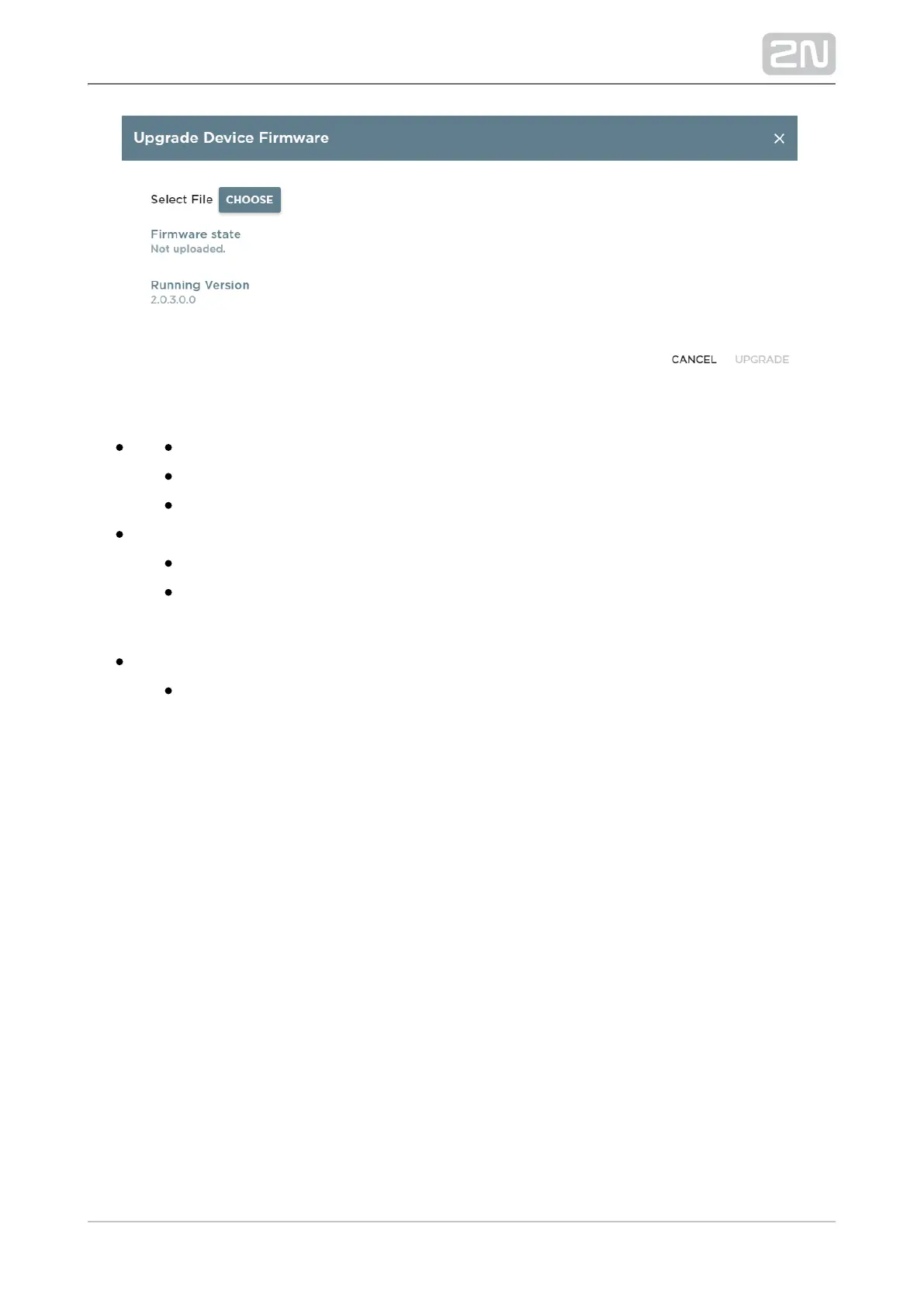
Select File-Choose – select the firmware file (.img).
Firmware state – firmware upload status.
Running Version – current firmware version.
Configuration
Download – download the current configuration to a PC.
Upload – upload configuration from a PC file to the device. Click to display
a dialogue to select whether to upload whole configuration or omit the IP
address containing part.
Password
Change Password – change the web interface and launcher configuration
access password.



 To Next Page