1.
2.
Proxy Devices
It is necessary to register with a SIP Proxy server to enable SIP Proxy devices.
Note
The application will not allow you to add, create or edit a SIP Proxy
device until connected correctly to a SIP Proxy server.
Registration with Proxy
To communicate successfully, and SIP supporting devices have 2N Helios IP Mobile
®
to be registered with a common SIP Proxy server.
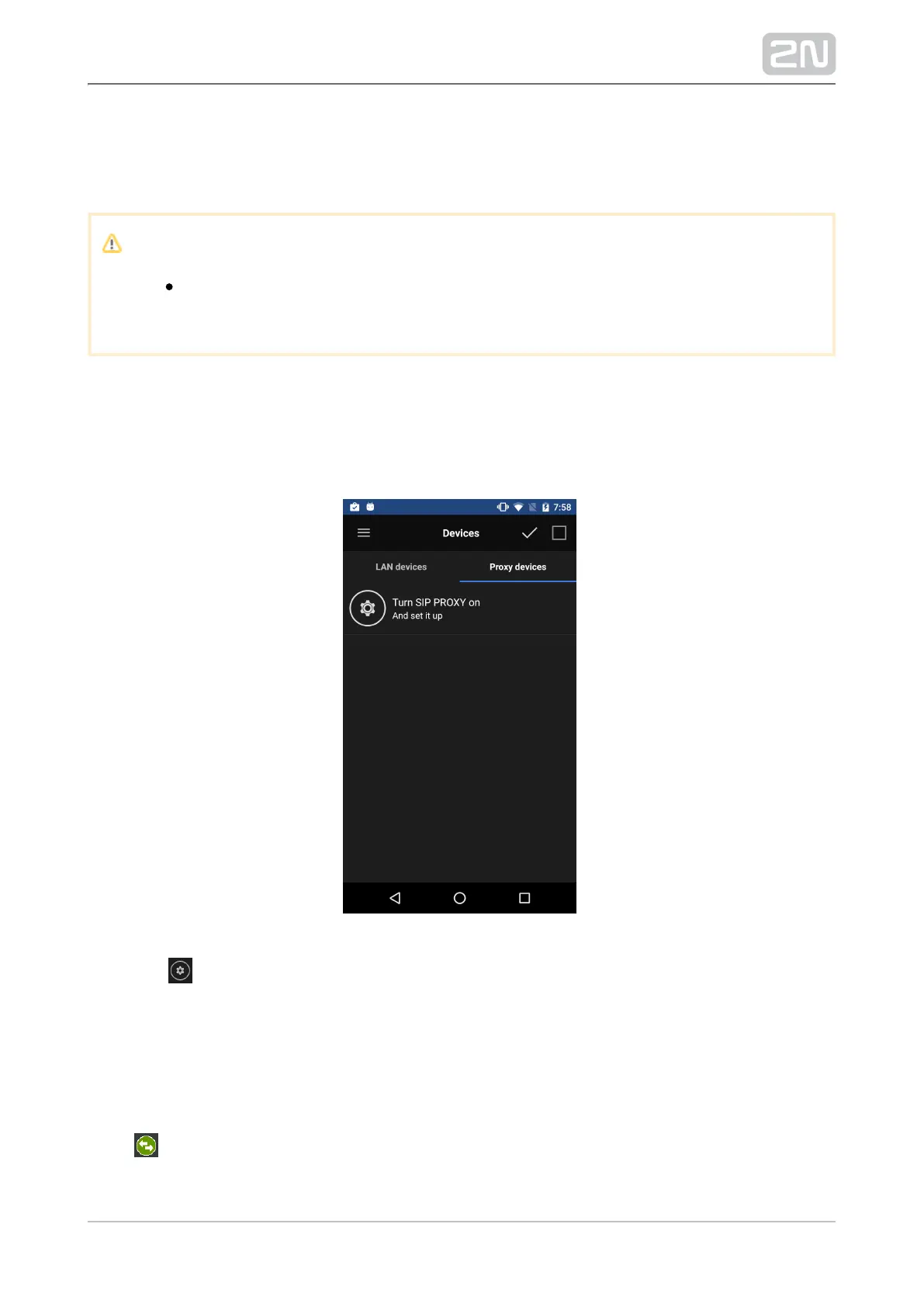
Click the row to switch the application into the Settings menu. Here switch the SIP
Proxy ON and then go to the SIP Proxy Settings editing menu to set the SIP Proxy
. server connecting parameters. Refer to Subs. 4.3.2 for details.
Complete the parameters correctly to register with the SIP Proxy 2N Helios IP Mobile
®
server. View the notification icon to check the registration states:
– the application is successfully registered with the SIP Proxy server.



 To Next Page