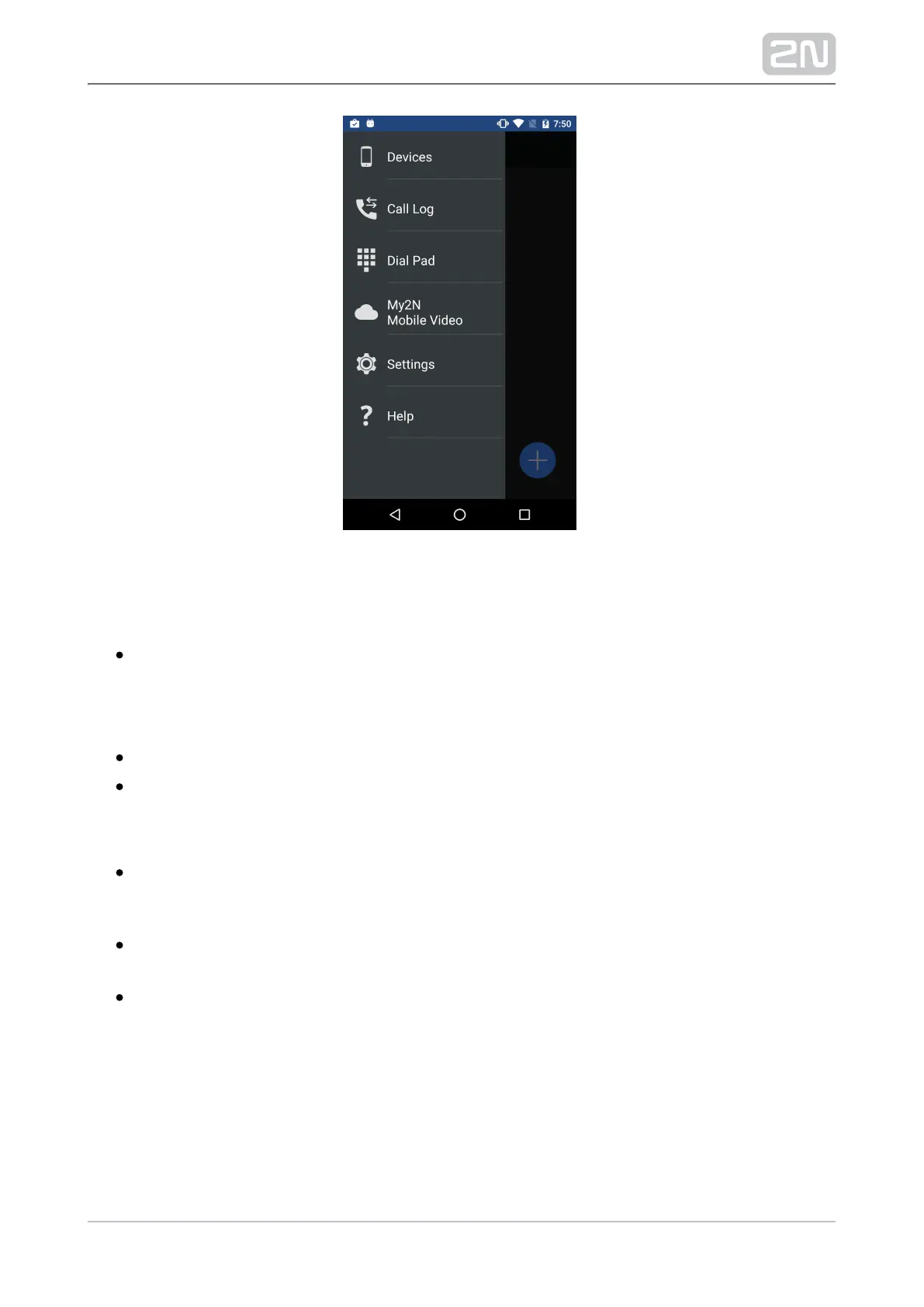
The main menu includes the following items:
Devices – display the list of added devices: , , 2N Helios IP 2N IndoorTouch
®
2N
®
or, if SIP Proxy is used, any SIP supporting Helios IP Mobile, 2N Mobile Video
®
device.
Call Log – display the list of all incoming/outgoing calls made via the application.
Dial Pad – can be used if the application is registered with the SIP Proxy server
or connected to .2N Mobile Video
®
My2N Mobile Video – click this option to move the user to the 2N Mobile
®
Video
setting section in the Settings menu.
Settings – use this menu to set up the application.2N
®
Helios IP Mobile
Help – display essential information on the application 2N
®
Helios IP Mobile
sections.



 To Next Page