5.
6.
7.
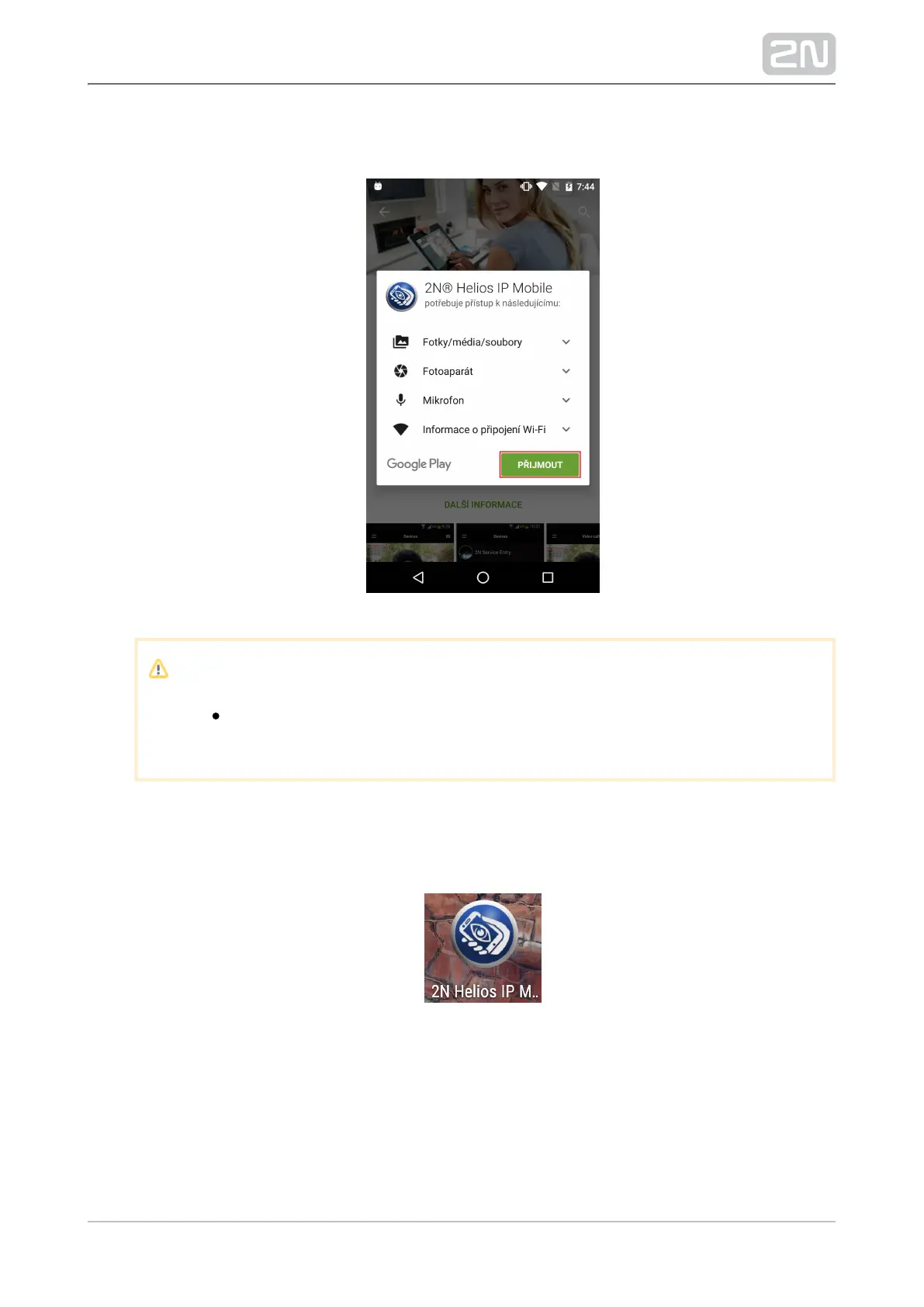
You will be notified of the application system access requirements. Click
"Accept" to continue.
Note
If you do not accept the access requirements, 2N Helios IP Mobile
®
you will not be able to install and use the application.
Now the application is downloaded and installed automatically. An icon is
created automatically on your phone home page upon installation if this function
is enabled in your phone. The icon is as follows:2N Helios IP Mobile
®
Now run the application via this icon.



 To Next Page