1.
2.
3.
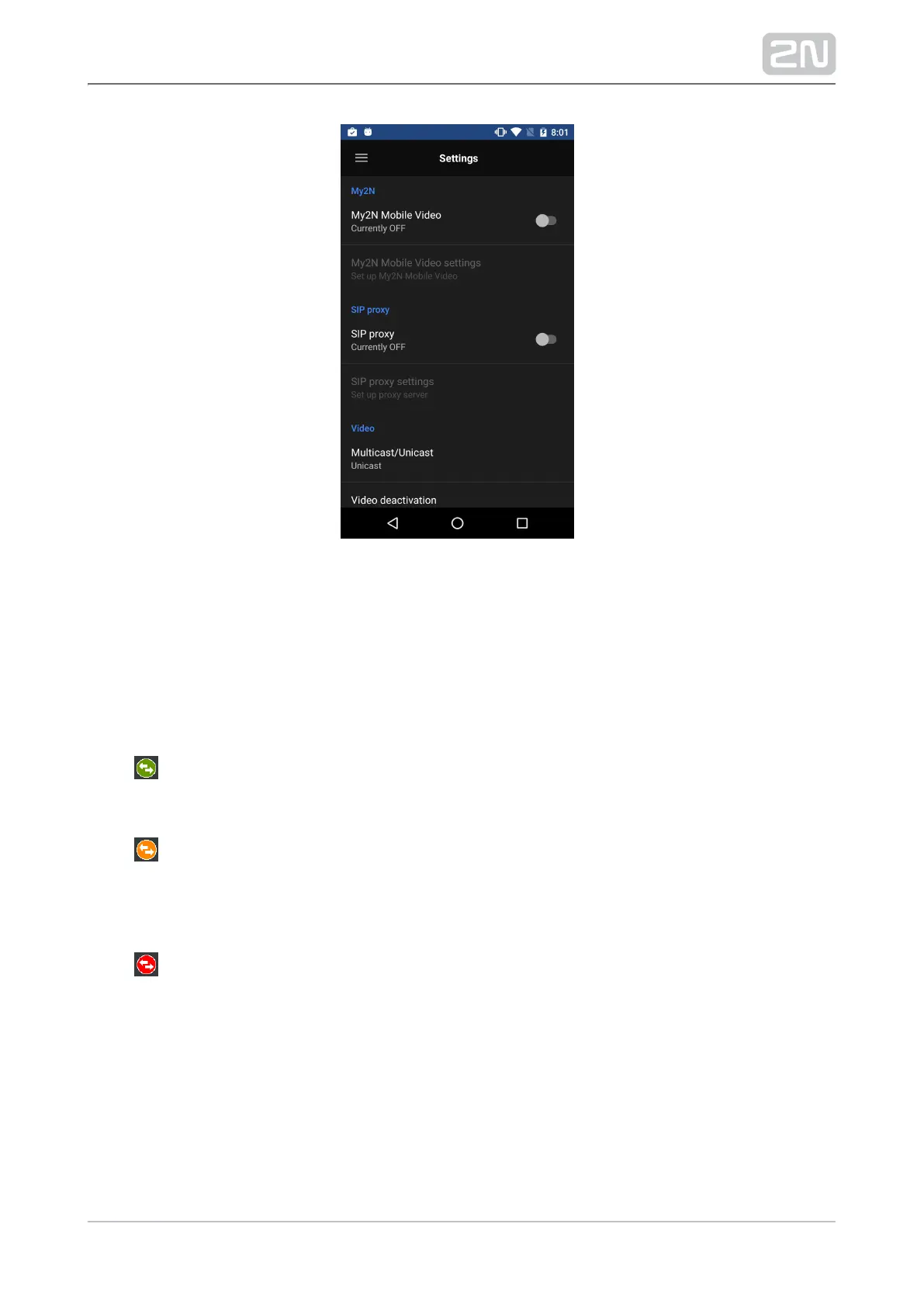
The Phonebook (device list) defined for this device on the service web is downloaded
to your phone during login and displayed in My2N devices, which replaces the Proxy
devices tab. The Phonebook is also automatically added to Devices.
The application indicates the server connection states. The icon is 2N Mobile
®
Video
next to the My2N Mobile Video tab and indicates the following states:
– the application has downloaded all data successfully and is registered with
the SIP Proxy server.2N Mobile
®
Video
– the application has downloaded all data succesfully and is trying to register
with the SIP Proxy server. The connection has not been 2N Mobile
®
Video
successful yet.
– the application cannot get connected to the servers.2N Mobile
®
Video



 To Next Page