1.
2.
3.
This window includes the following items:
Device ID – device ID that is generated on the service web after device creation.
Password – password generated by the system after device creation.
Login/Logout – service login/logout button.
Complete the above mentioned items and click Log in to initiate login and connection.
The login process has 3 phases:
Configuration download – data necessary for the next phases are downloaded.
Phonebook download – Phonebook (device list) is downloaded that is assigned
to the device on the service web.
SIP Proxy login and registration – service SIP Proxy server login and registration.
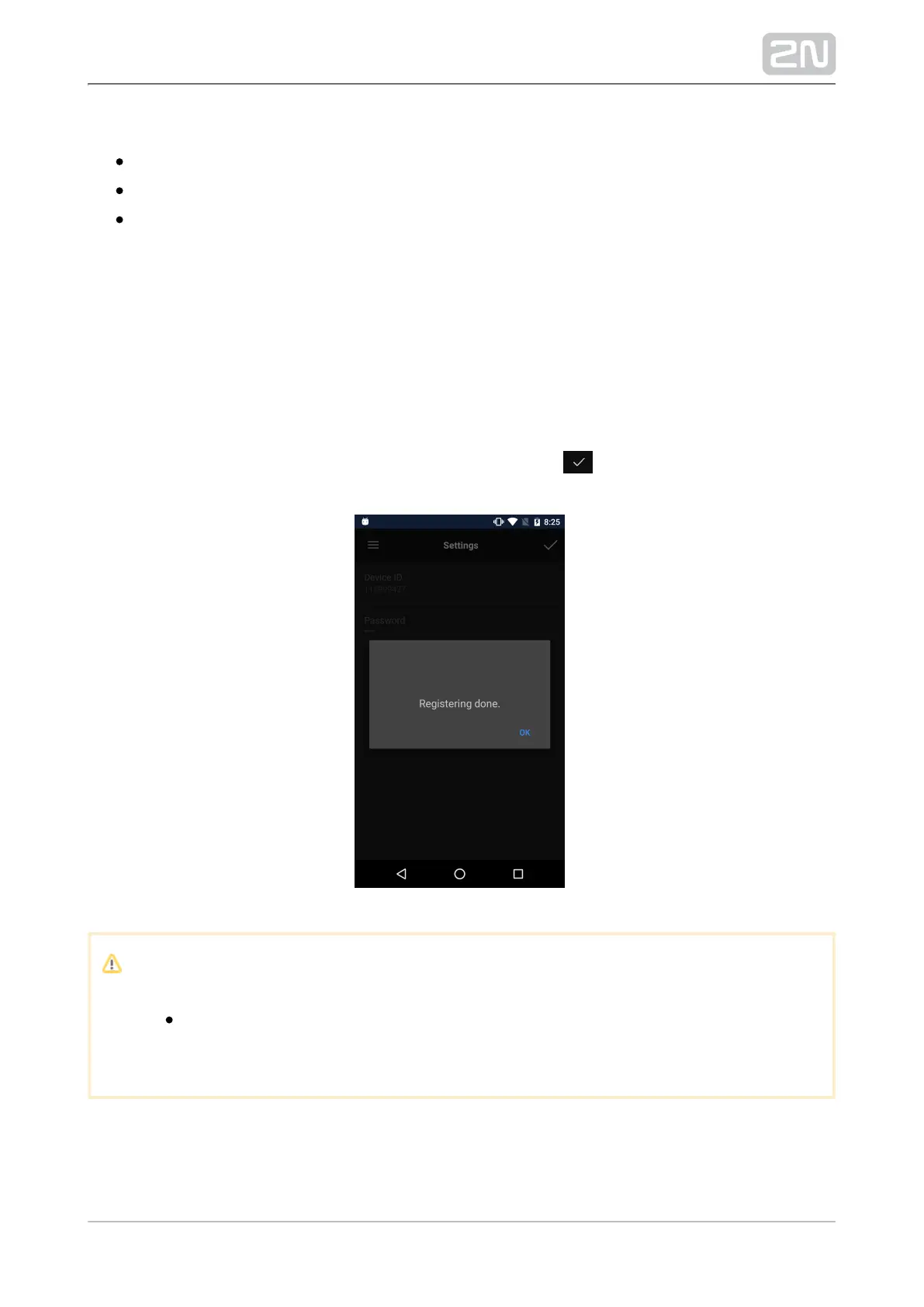
When phase 3 is completed, be sure to click OK. Click to move the application to
Devices upon login.
Note
Refer to or for more information on faq.2n.cz www.my2n.com 2N
®
.Mobile Video



 To Next Page