The application indicates the server connection states. The icon is 2N Mobile
®
Video
next to the My2N Mobile Video tab and indicates the following states:
– the application has downloaded all data successfully and is registered
with the SIP Proxy server.2N Mobile
®
Video
– the application has downloaded all data successfully and is trying to
register with the SIP Proxy server. The connection has not 2N Mobile
®
Video
been successful yet.
– .the application cannot get connected to the servers 2N Mobile
®
Video
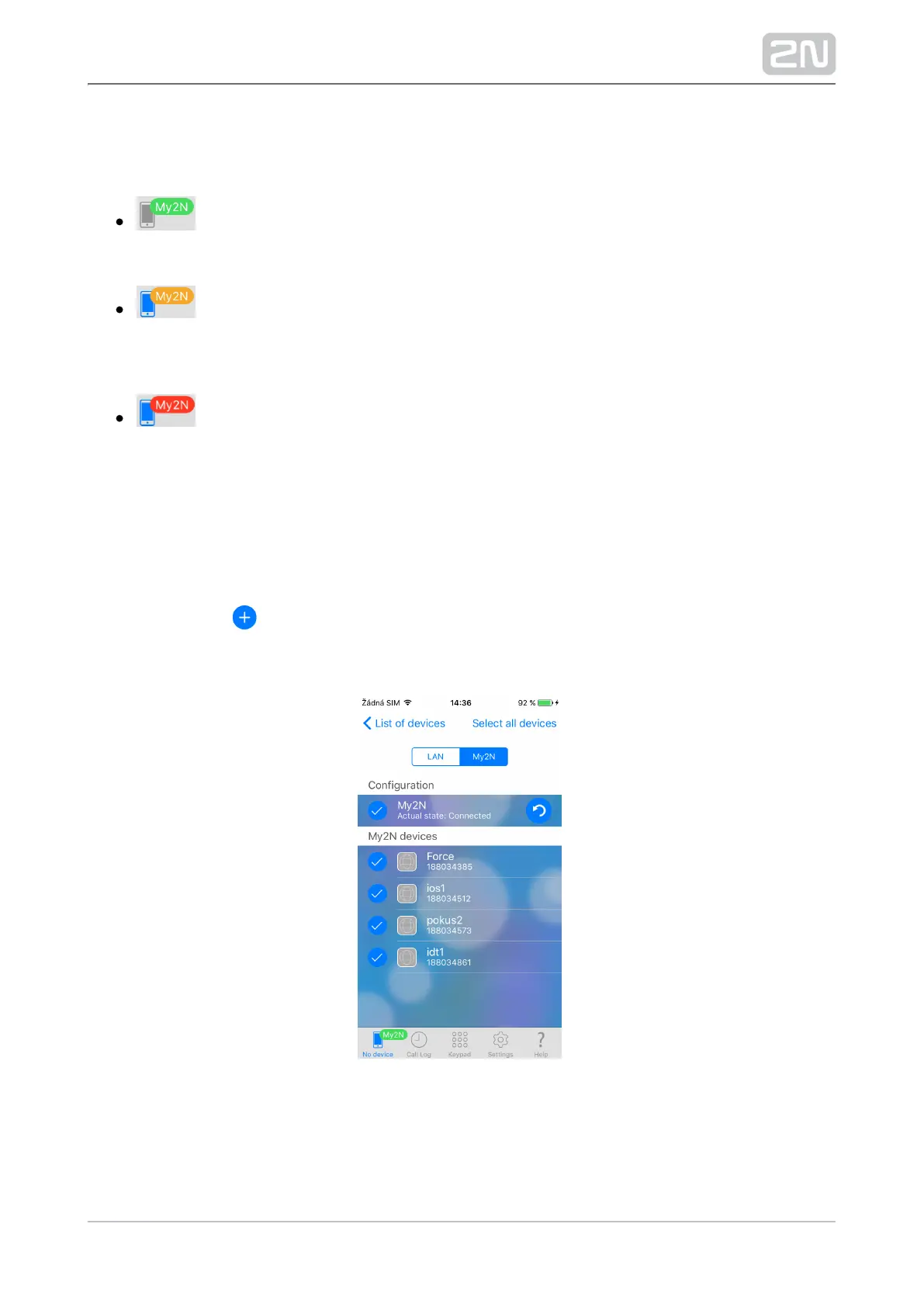
My2N Device Adding
The downloaded Phonebook is displayed in the Devices menu when 2N Helios IP
®
gets connected to and registered with successfully. You can Mobile 2N Mobile
®
Video
edit the Phonebook device list: disable displaying of or change the device name.
icon Again, click the located in the right-hand upper corner of the Devices main
window to enter the device adding menu. Then switch the window to the My2N
devices menu using the tab below the application title row.



 To Next Page