Note: This can take a while to display depending on Camera Resolutions and Internet / Net-
work speeds.
Email Page
Click this button to Email the current report page to a list of recipients. An SMTP Server must be
configured in settings.
Advanced Export Click this button to export the entire report, organized by receipt, as either a .txt or .html file.
Export Report Click this button to export the entire report as either a .txt or .html file.
Print Page
Click this button to print the current report page. The printed page will appear as displayed in the
Report Results window.
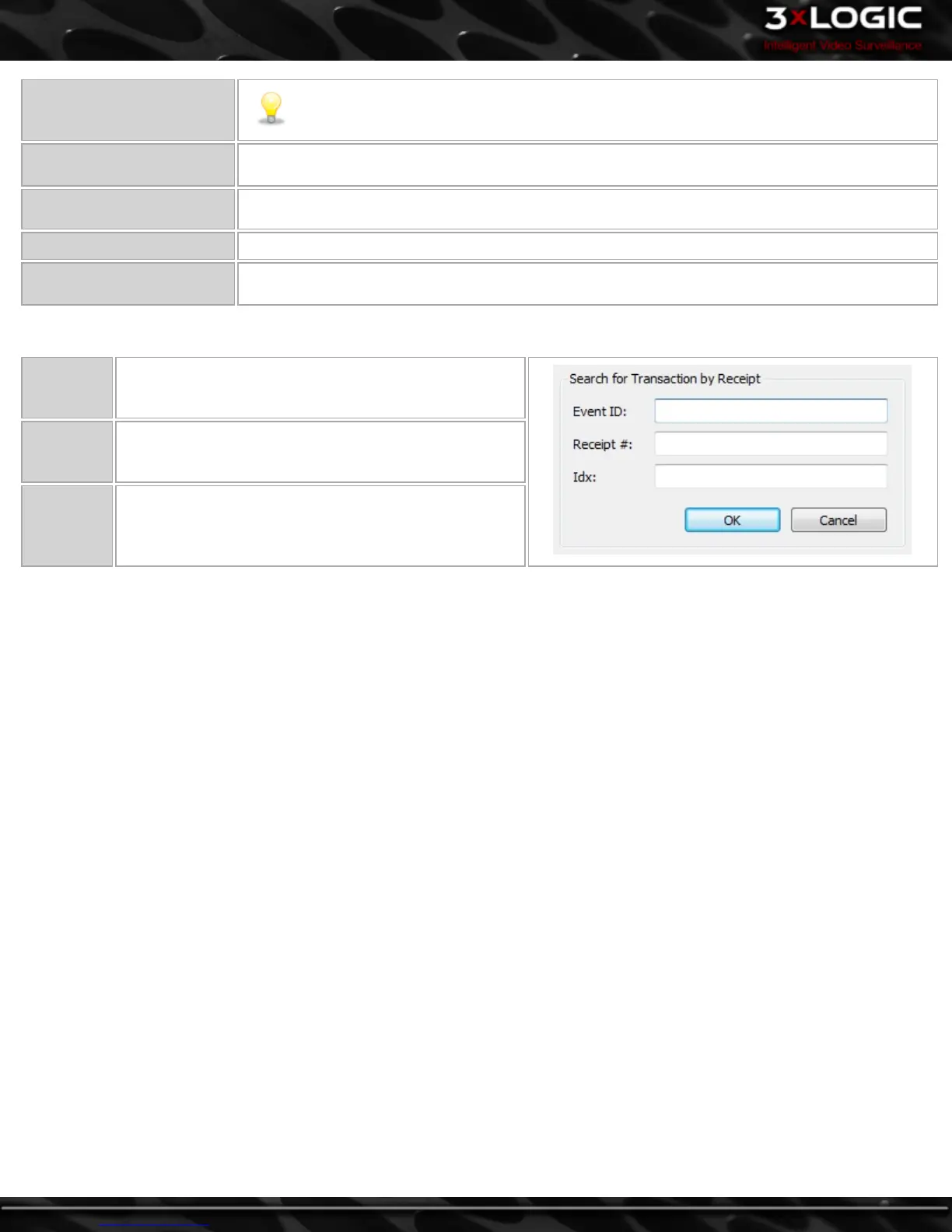
7.5 V-POS Quick Search
Event ID
Type in an Event ID. This will open an Exception Event
Playback Window for the specified Event.
Receipt #
Type in a Receipt #. This will open a Playback window
for the specified Receipt.
IDX
Type in an IDX number. An IDX# is assigned to each line
item in the POS/ATM Database. This will open a Play-
back window for the specified IDX.
-62-
©2014 3xLOGIC Inc. | VIGIL Client - User Guide



 To Next Page