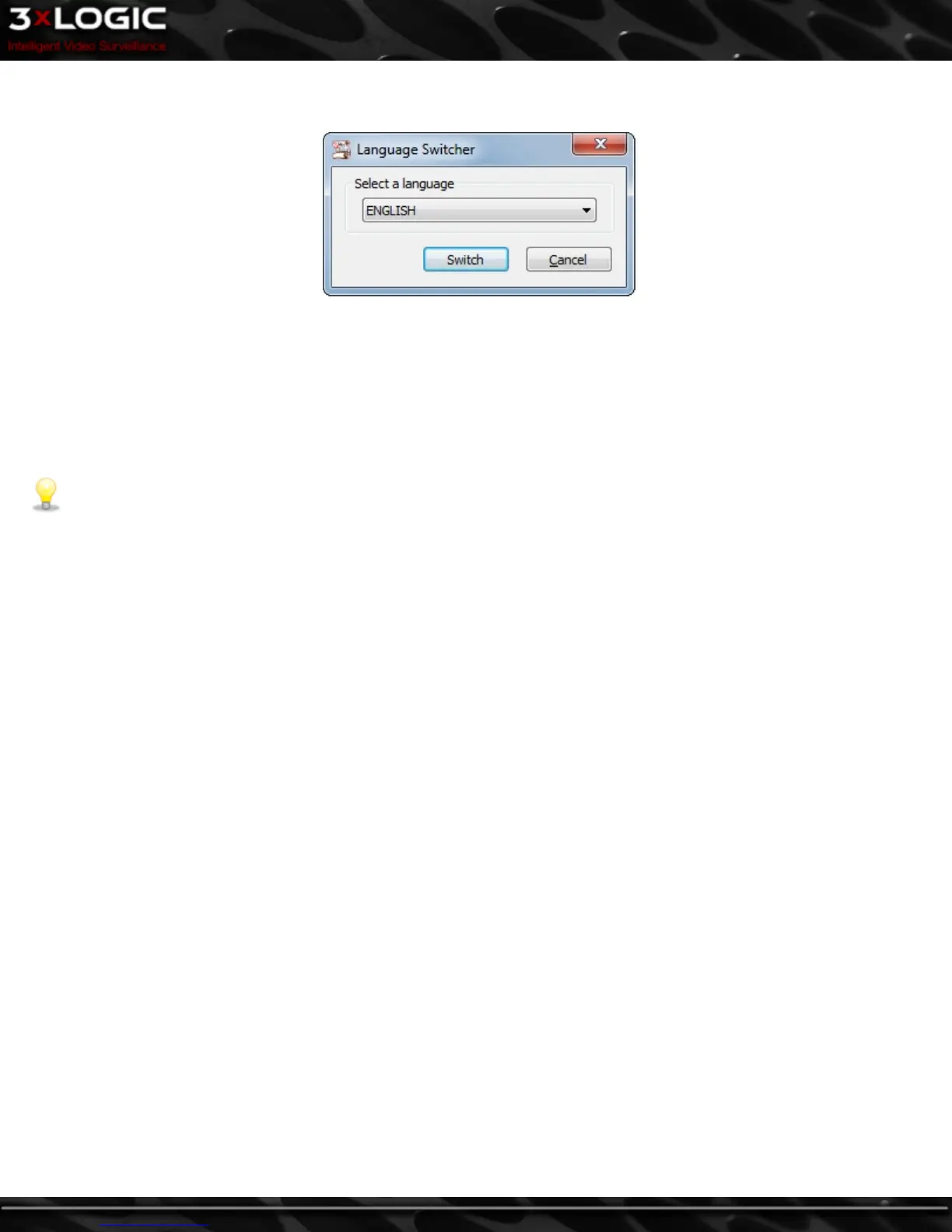
16 Language Switcher
VIGIL Client can be run in English, French, Spanish, Chinese and Hebrew. The Language Switcher can be run from the Windows Start
menu.
Select Programs | VIGIL | Language Switcher.
Select the desired language from the drop-down menu and click Switch.
A prompt will show informing that a system reboot is required to complete the language change.
Click Yes to reboot immediately, Click No to have the update applied the next time the system is restarted.
Note: The prompt will display in the language that is being switched to.
©2014 3xLOGIC Inc. | VIGIL Client - User Guide
-
109
-



 To Next Page