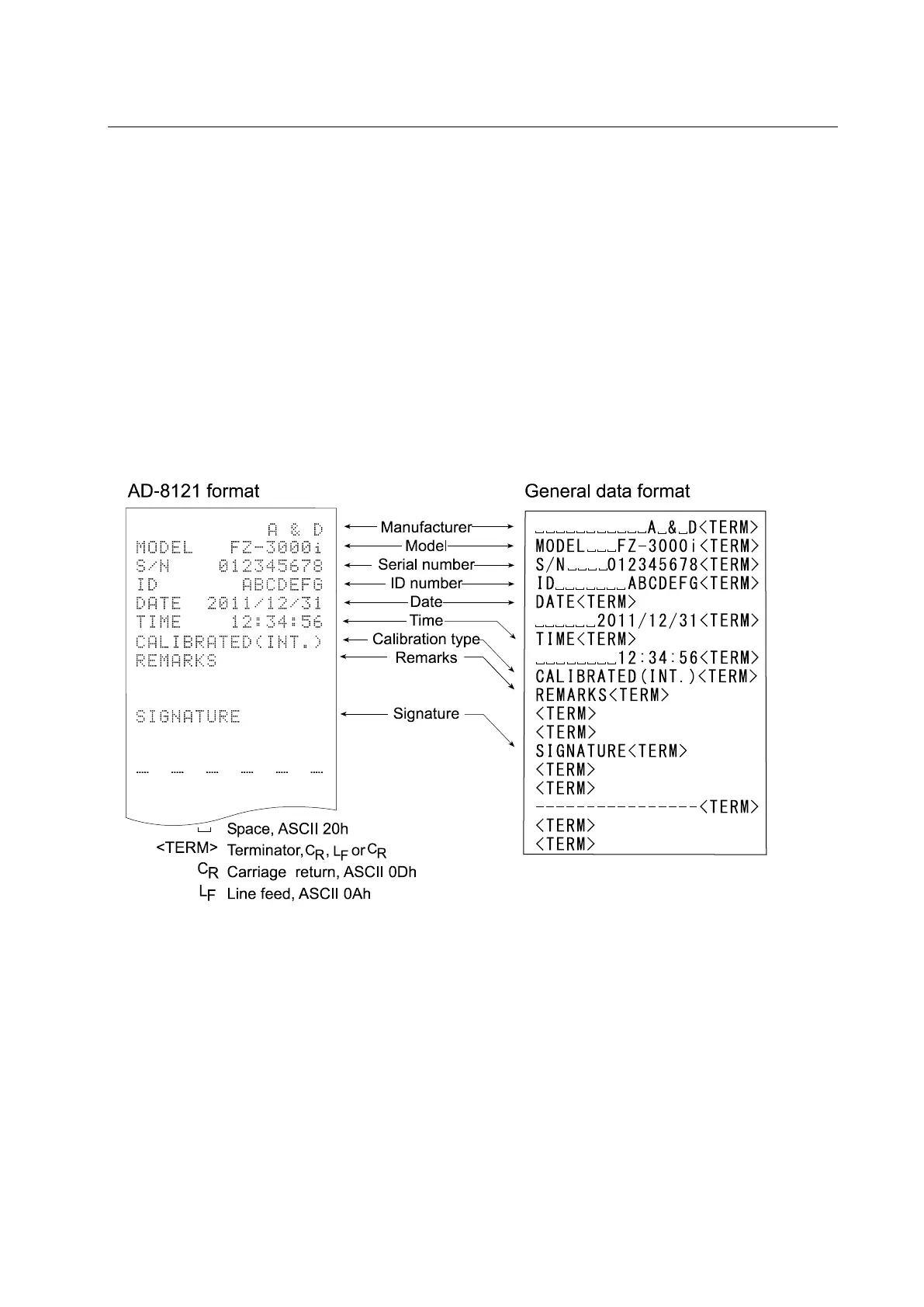
11.2. GLP Report
Set the following parameters to output the GLP/GMP compliant report.
To print the report, set the “GLP output ( info )” parameter to “1”, set the “Data output pause
( pU5e )” parameter to “1” and use MODE 3 of the AD-8127. For details on using the printer, refer
to “17.1. Connection to the AD-8127 Multi Printer.
To output the report to a personal computer using the RS-232C serial interface, set the “GLP
output ( info )” parameter to “2”.
Note
If the time and date are not correct, adjust the AD-8127 clock and calendar (FX-i / FX-iWP /
FX-GD series) or use “
“ of the function table to adjust the time and date (FZ-i / FZ-iWP /
FZ-GD series).
Calibration report using an internal weight Printout examples for the FX-
i
/
FX-
i
WP
/
FX-GD series
When the setting is “info 1”: When the setting is “info 2”:



 To Next Page