COMMANDS
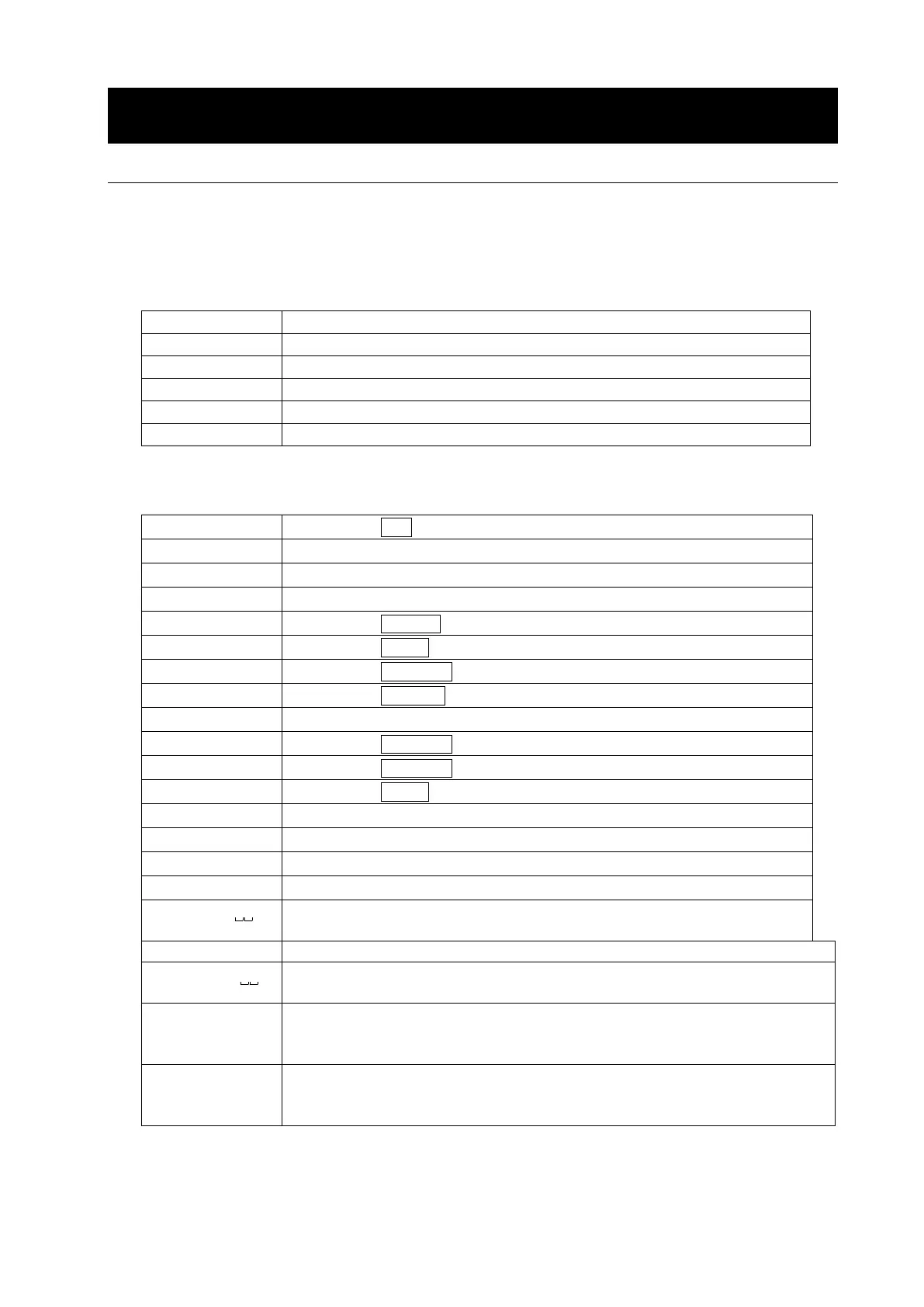
18.1. Command List
Note
A command has a terminator added, that is specified using the "Terminator (
)"
parameter of “Serial interface (
)” in the function table, and is sent to the balance.
Commands to query weight data
Cancels the S or SIR command.
Requests the weight data immediately.
Requests the weight data when stabilized.
Requests the weight data immediately.
Requests the weight data continuously.
E
Requests the weight data when stabilized.
Note: The “Q” and “SI” commands, the “S” and “
E
S
C
P” commands behave the same.
Commands to control the balance
Same as the CAL key.
Calibration using an external weight
Turns the display off.
Same as the ON:OFF key
Same as the RE-ZERO key
Tare key
E
S
C
Same as the RE-ZERO key
Requests the ID number.
Requests the serial number.
Requests the model name.
Requests the tare weight.
Changes the tare weight.
The unit added is the current weighing unit in A&D standard format.
Requests the unit mass value.
Changes the unit mass value (weight per piece).
Use the unit code (three digits) in A&D standard format for the unit.
Requests the key lock status.
KL,000 All keys unlocked
Changes the key lock status.
KL:000 Unlock all keys
Note: The “R”, “Z” and “
E
S
C
T” commands behave the same.
E
S
C
:
ASCII code 1Bh
*
:
Only for the FZ-i / FZ-i WP / FZ-GD series



 To Next Page