17.2. Connection to the AD-8121B Printer
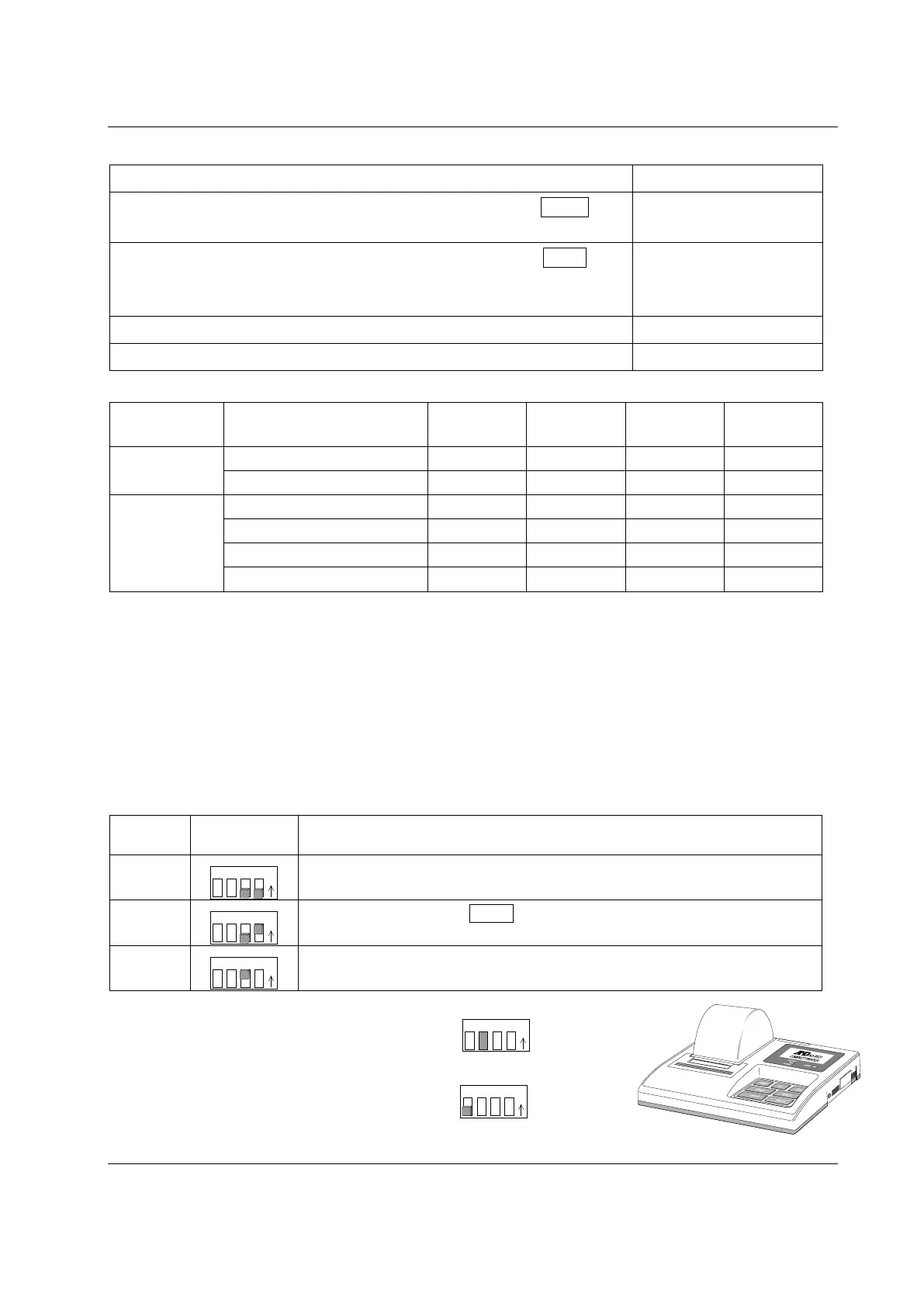
Set the following parameters to use the AD-8121B printer.
To print A&D standard format weight data, using the FZ-i / FX-i PRINT key
or
auto print mode. (The time and date can be added.)
MODE 1
To print A&D standard format weight data, using the AD-8121B DATA key
or AD-8121B built-in timer. (The time and date can be added.)
To print, using the AD-8121B chart printing function.
MODE 2
To print the FZ-i
FX- i statistical data. MODE 3
Class Item and Parameter
Factory
settings
AD-8121B
MODE 1
AD-8121B
MODE 2
AD-8121B
MODE 3
dout
prt
0
0
1
2
4
5
3
0
1
2
4
5
pU5e
0
0
0
0
1
5if
Serial interface
bp5
2
2
2
2
btpr
0
0
0
0
Crlf
0
0
0
0
type
0
0
0
1
*1 Set appropriate parameters for “ap-p (Auto print polarity)” and “ap-b (Auto print difference) “ when auto
print mode A or B (prt 1 or 2) is selected.
Set the AD-8121B DIP switch No.3 to ON when unstable data is printed with “prt 4“.
*2 Set 1 when multiple lines are printed in the FZ-i / FX- i
FZ-iWP
FX-iWP
FZ-GD
FX-GD
statistical calculation mode.
Notes
Refer to "11.2. GLP Report" for print samples.
Settings of AD-8121B DIP switches
MODE
Description
MODE 1
Print at receiving data.
Standard mode, statistical calculation mode
MODE 2
Print by the AD-8121B DATA key operation or AD-8121B built-in timer.
Standard mode, interval mode, chart mode
MODE 3
Print at receiving data.
Dump print mode
DIP switch No.3 : Handling unstable data
ON Print
OFF Not printed
Set the DIP switch No.4 to OFF.
17.3. Connection to a Computer
The balance can be connected to a personal computer using the RS-232C serial interface. As an
option, the FXi –02 USB interface is available to transmit the balance data to a personal computer.



 To Next Page