Using the WinCT software, the balance can do the following:
1 Analyzing the weight data and the statistics with “RsKey”
The weight data can be input directly into an Excel worksheet. Then, Excel can analyze the data
to obtain sum, average, standard deviation, maximum and minimum value, and display them as
a graph.
2 Controlling the balance using commands from a personal computer
By using “RsCom”, the personal computer sends commands such as “re-zero” or “send weight
data” to the balance and controls the balance.
3 Printing the balance GLP report using your printer
The balance GLP report can be printed using a printer connected to a personal computer.
4 Receiving weight data at a certain interval
The weight data can be received at a certain interval and data characteristic with elapsed time
can be obtained.
5 Using a personal computer as an external indicator
With the “RsKey” test mode function, a personal computer can be used as an external weight
indicator for the balance. (To do this, set the balance data output mode to stream mode.)
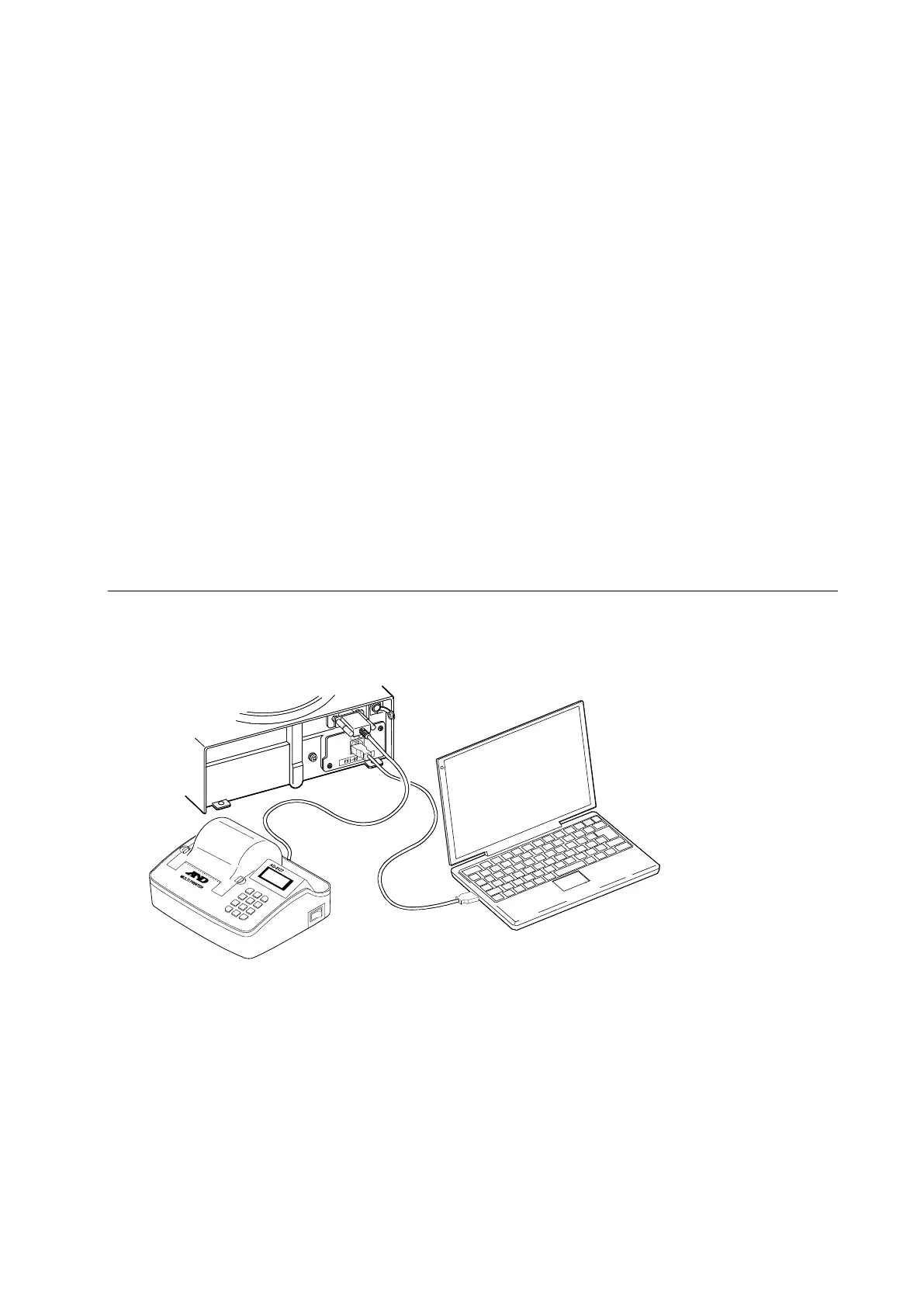
17.5. Simultaneously Connecting the AD-8127 Printer and a Personal Computer
The balance can be connected to the AD-8127 printer and a personal computer simultaneously using
the Fxi-02 USB interface to store and print the data.
In that case, a USB cable and the winCT software are necessary.



 To Next Page