11
4-1. Smart Range Function
The GX-32K, GF-32K, GX-8K2 and GF-8K2 are equipped with two ranges of "precision
range" of a higher resolution and "standard range" of normal resolution.
The range is switched automatically depending on the value displayed.
Pressing the RE-ZERO key allows weighing in the precision range, regardless of the
tare value. (Smart range function)
The range can be fixed to the standard range, by pressing the SAMPLE key.
Note
Once the range is switched to the standard range, it will not switch to the precision
range automatically even when the displayed value becomes within the precision
range value. Press the RE-ZERO or SAMPLE key to use the precision range again.
Example
GX-32K or GF-32K, precision range = 6.1 kg x 0.1g,
standard range = 31 kg x 1 g.
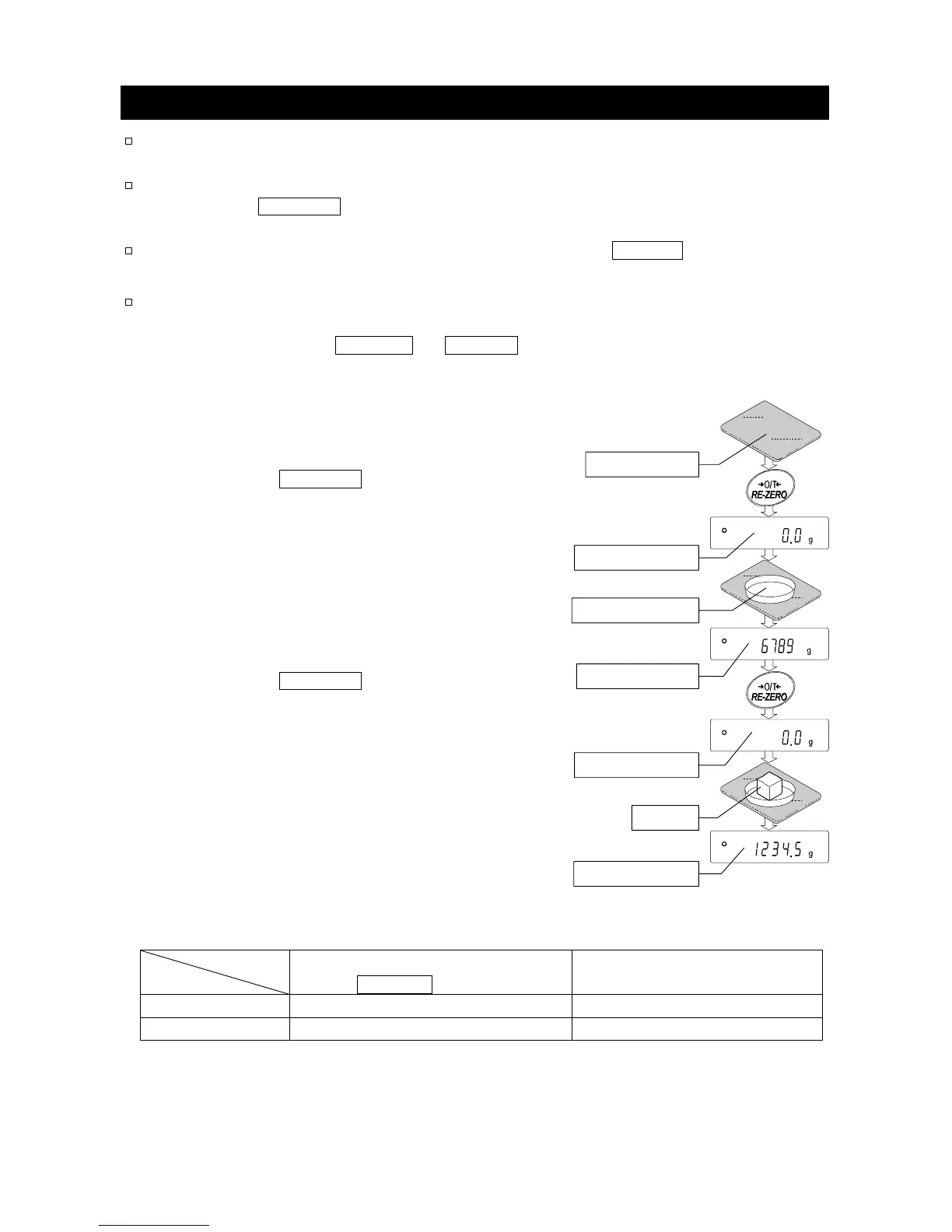
Step 1 Press the RE-ZERO key.
The balance will start weighing, using the
precision range.
Step 2 Place a container on the weighing pan.
When the weighing value exceeds
the precision range, the range will be
switched to the standard range.
Step 3 Press the RE-ZERO key.
The balance will be switched to the
precision range.
Step 4 Place a sample on the pan.
When the weighing value is within the
precision range, the balance will perform
a weighing using the precision range.
Precision range/standard range value
Precision range
(after RE-ZERO key is pressed)
Standard range
GX-32K, GF-32K
Up to 6100.9 g 6101 to 31008 g
GX-8K2, GF-8K2
Up to 2100.09 g 2100.1 to 8100.8 g
Weighing Pan
Precision range
Tare (Container)
Standard range
Precision range
Sample
Precision range



 To Next Page