61
12-4. Data Memory for Unit Mass in the Counting Mode
The GX-K series can store 50 data of unit mass for the counting mode.
"
p01
" is the standard memory of unit mass. Another 49 data of unit mass can be stored.
The GF-K series can store 20 data of unit mass for the counting mode.
"
p01
" is the standard memory of unit mass. Another 19 data of unit mass can be stored.
Even if the AC adapter is removed, the data is maintained in non-volatile memory.
The unit mass in memory can be recalled and used for weighing.
The unit mass in memory can be recalled and changed.
Note
The recalled unit mass can be changed, using the weighing input mode or the digital input
mode. The weighing input mode uses the specified number of samples to store the unit
mass. The digital input mode enters the unit mass using the keys.
12-4-1. Storing the unit mass
To store a new unit mass: Recall the stored unit mass to be changed. Then, change the
recalled unit mass using the weighing input mode or the digital input mode, and store the
new unit mass.
GX-K series can store a unit mass from "Pp01" to "p50".
GF-K series can store a unit mass from "Pp01" to "p20".
Step 1 Set the "Data memory (data)" parameter to "1".
Step 2 Press the MODE key to select pcs (counting mode).
If "Clr" appears blinking in the upper left of the display,
delete the data in memory.
Note If the counting mode can not be
selected, refer to "5. Weighing Units".
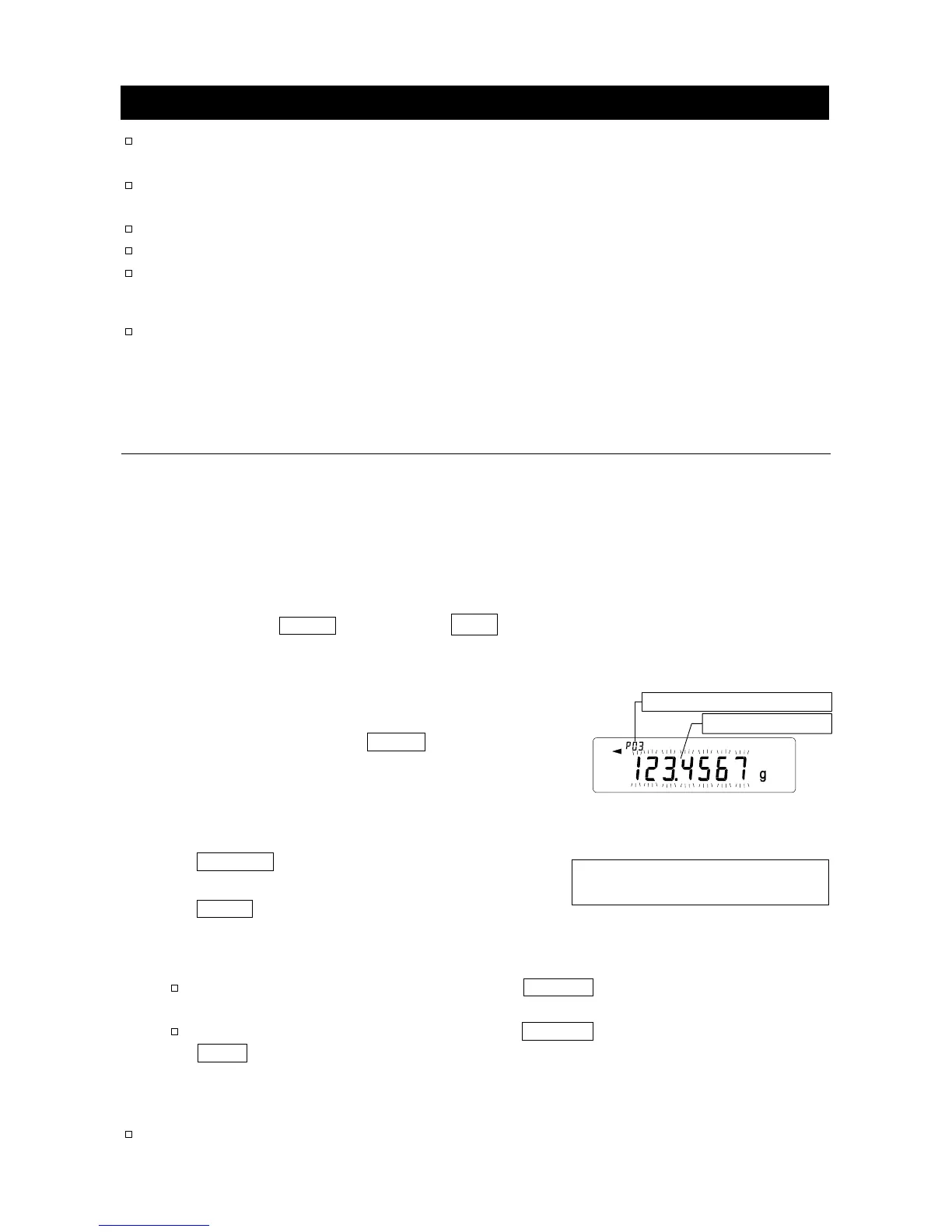
Step 3 Press and hold the PRINT key until the
balance enters the sample unit mass
confirmation mode. The unit mass last
selected is displayed
Step 4 Select the unit mass number to be used, using the following keys.
RE-ZERO key
...
To increase the unit mass
number by one.
MODE key
.......
To decrease the unit mass
by one.
Step 5 To change the selected unit mass:
To use the weighing input mode, press the SAMPLE key to enter the weighing input
mode. Go to "Weighing input mode" on the next page.
To use the digital input mode, press the SAMPLE key, then press and hold the
MODE key to enter the digital input mode. Go to "Digital input mode" on the next
page.
Notes
ACAI can not be performed directly on the recalled unit mass.
Unit mass data
No.3. Unit mass numbe



 To Next Page