63
12-4-2. Recalling the unit mass
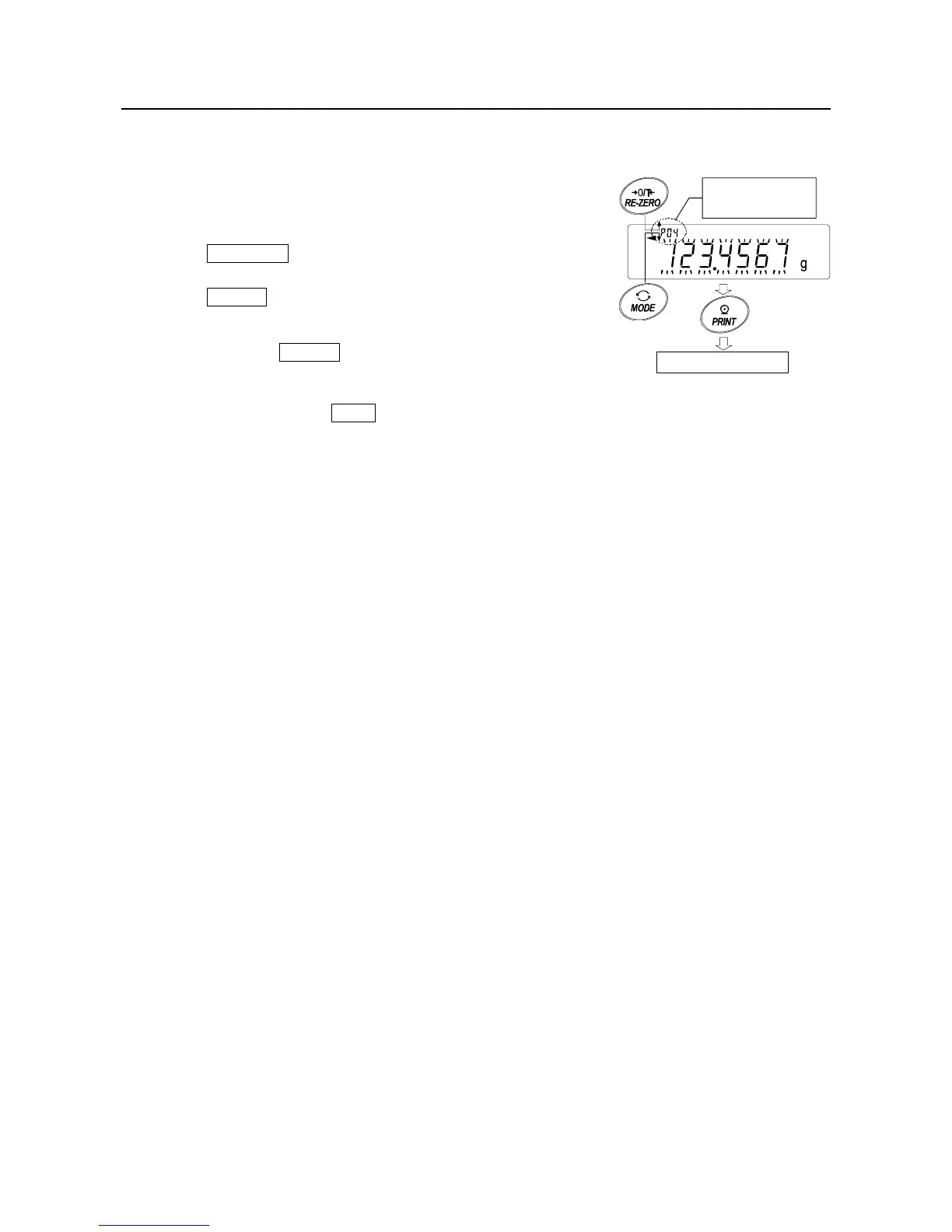
Step 1 Follow steps1 through 3 in "12-4-1. Storing the unit mass" on the previous page,
to enter the sample unit mass confirmation mode.
Step 2 Select the unit mass number using the following keys.
GX-K series: p01 to p50,
GF-K series: p01 to p20.
RE-ZERO key
......
To increase the unit mass
number by one.
MODE key
..........
To decrease the unit mass
by one.
Step 3 Press the PRINT key to confirm the selection and
to return to the weighing mode.
To cancel the selection and return to the weighing
mode, press the CAL key.
+1
-1
Outpu



 To Next Page