78
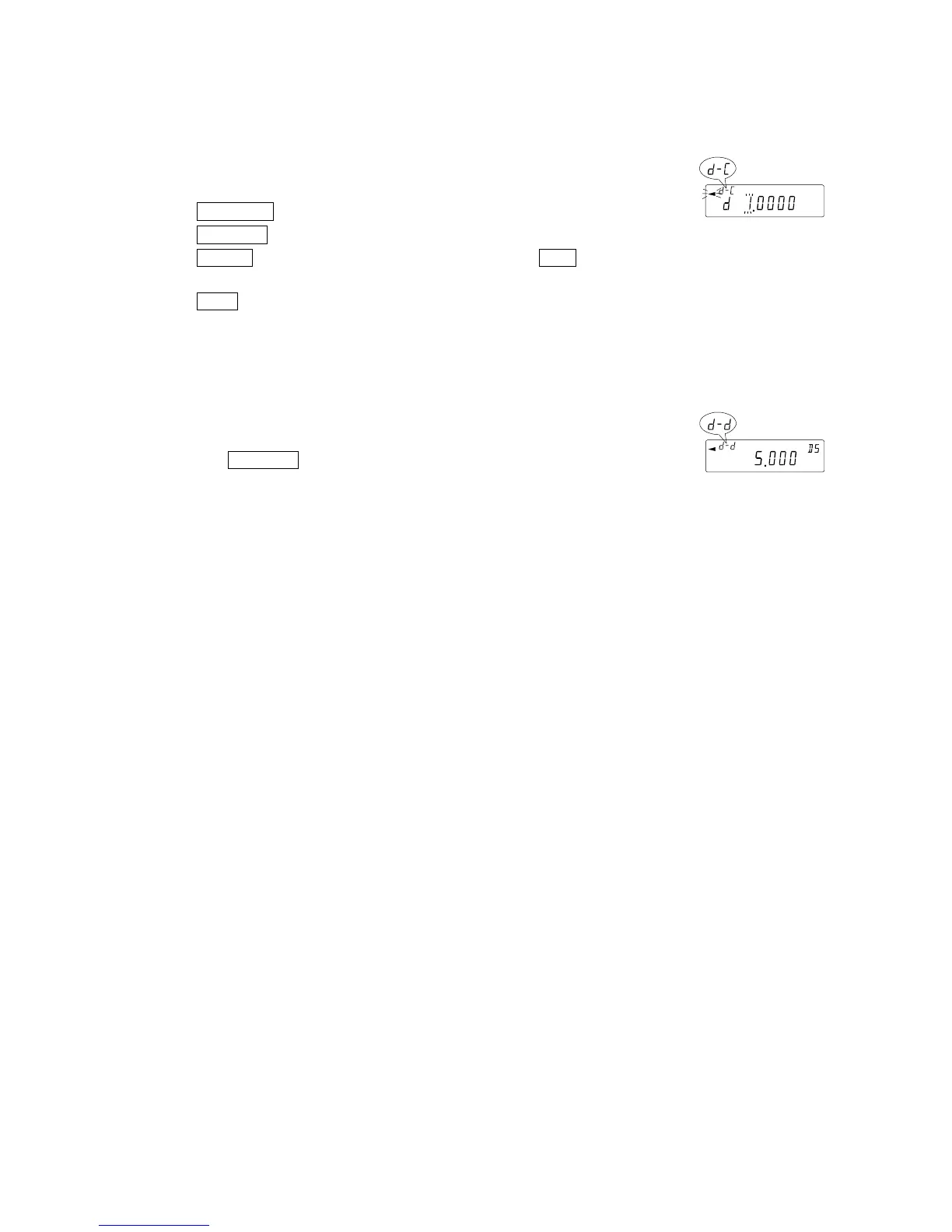
Entering the density directly (ldin 1)
The density currently set (unit : g / cm
3
, factory setting : 1.0000g / cm
3
) is displayed.
Use the following keys to change the value.
The range to set the density is 0.0000g / cm
3
to 1.9999g / cm
3
.
RE-ZERO key
...
To set the value of the digit selected.
SAMPLE key
....
To select the digit to change the value.
PRINT key
........
To store the change, display end and return to the density mode.
(
Go to "Step 2 Selecting a parameter to set"
)
CAL key
...........
To cancel the change and return to the density mode.
(
Go to "Step 2 Selecting a parameter to set"
)
Outputting the density.
Step 4 After all the necessary parameters have been set, press
the
SAMPLE key to output the density calculated.
The density is displayed with three decimal places.
Calculated resul



 To Next Page