Operation 83
Operation
What this chapter contains
This chapter describes the operating modes, operation of the control unit, the
information shown by LEDs and the graphical display.
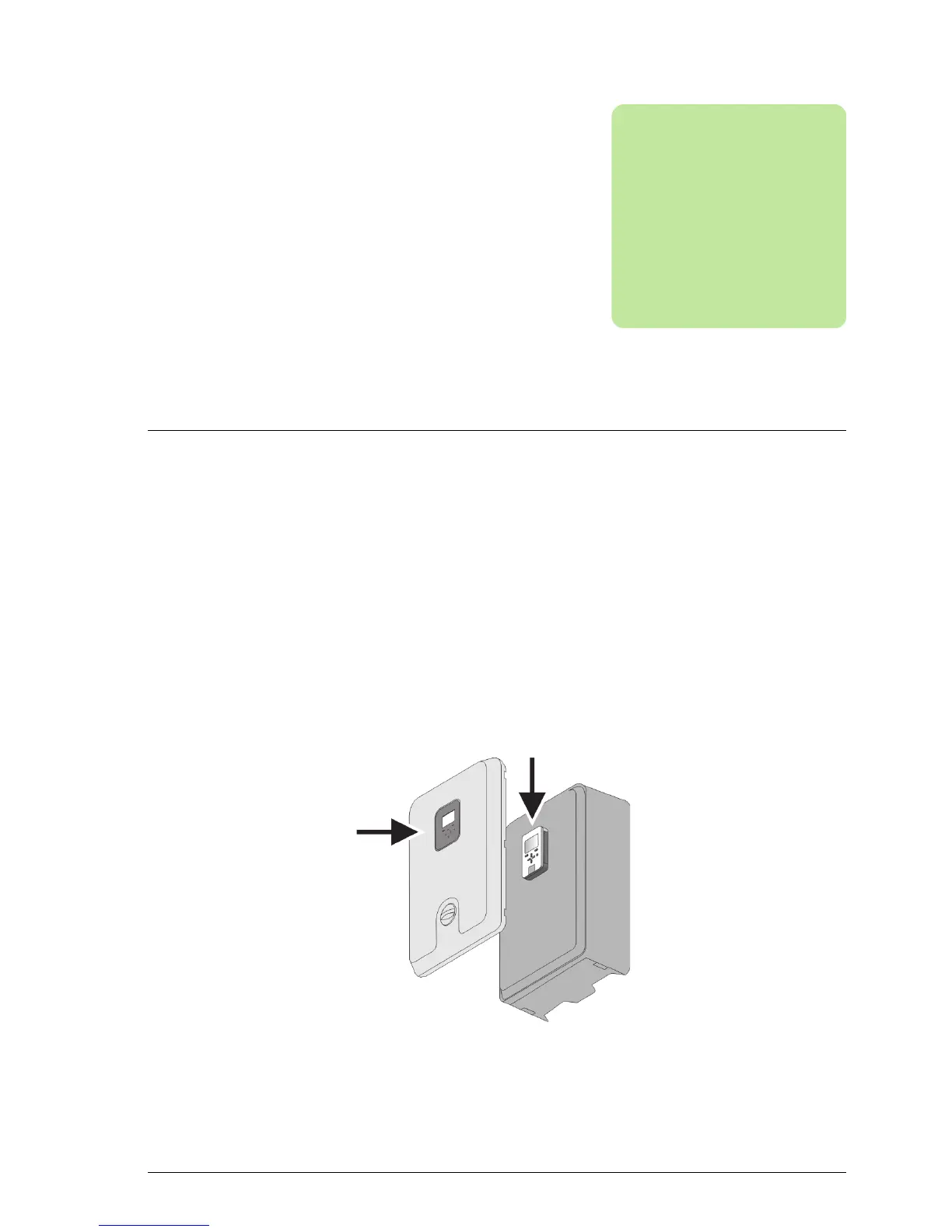
The inverter user interface
The control unit sits behind the front panel. Normally, the inverter is controlled using
the buttons on the front panel which activate the corresponding buttons on the control
unit. However, the control unit can be fitted to a remote location and, in that case, the
inverter will be controlled using the control unit buttons.



 To Next Page