Start Auto-switch:
Specify the display sequence delay in the display
settings.
Activation of "AUX monitor" without a connected
spot monitor:
Mouse pointer function is disabled.
Selection bar in the camera image
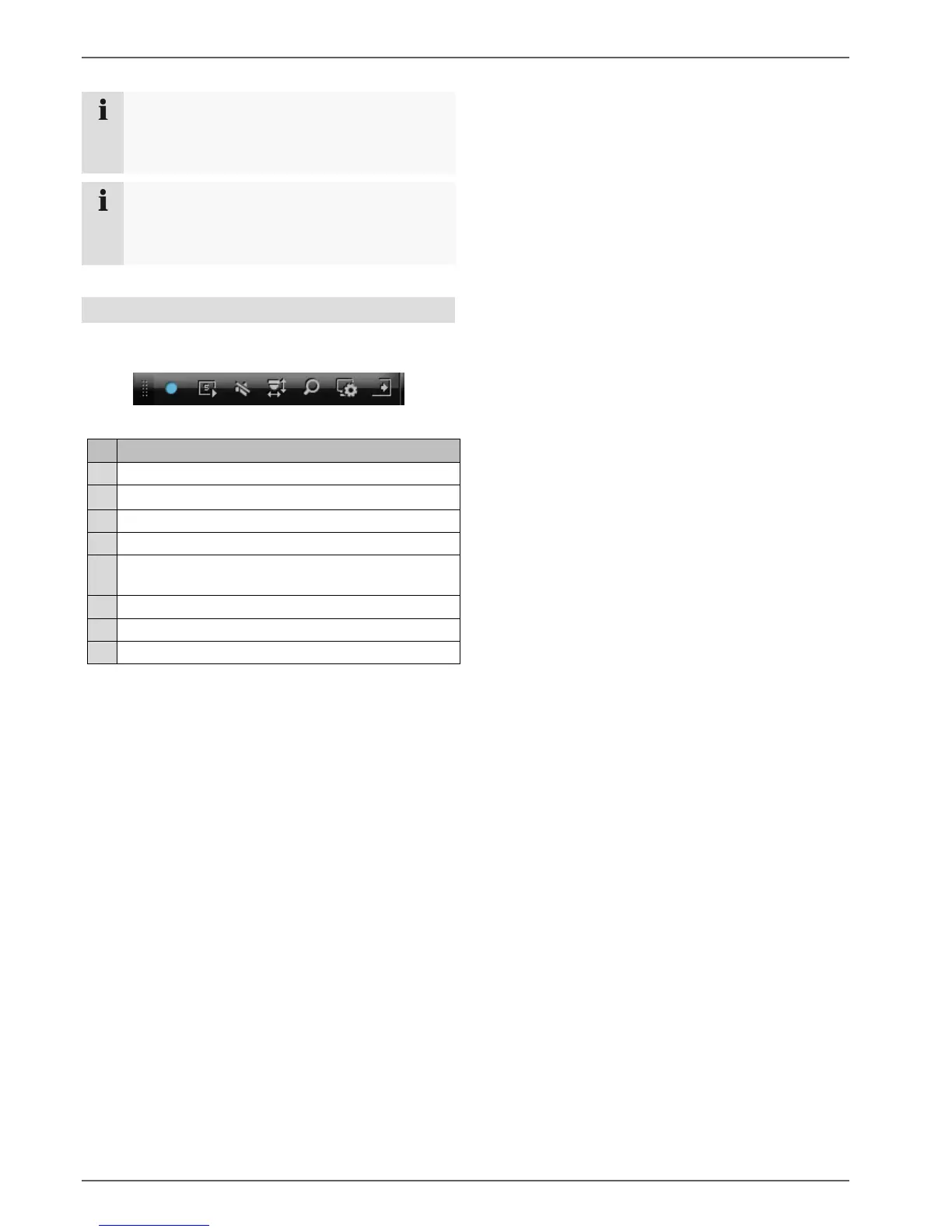
In single or multi-screen, click on a camera image. A
selection bar will appear:
(1) (2) (3) (4) (5) (6) (7) (8)
Area for moving the miniature bar
Activate/deactivate manual recording
Instant playback of the last 5 minutes
Activate/deactivate the audio function
Open the PTZ control menu (for PTZ cameras
only)



 To Next Page